What you get is a vector you can edit
Describe a scientific figure, an illustration, or an icon and get a vector. Change shapes and text on the same artwork. The lines stay clear when you scale it. Attach a reference image first, and the picture stays closer to it.
Paths come out, and you can keep refining them
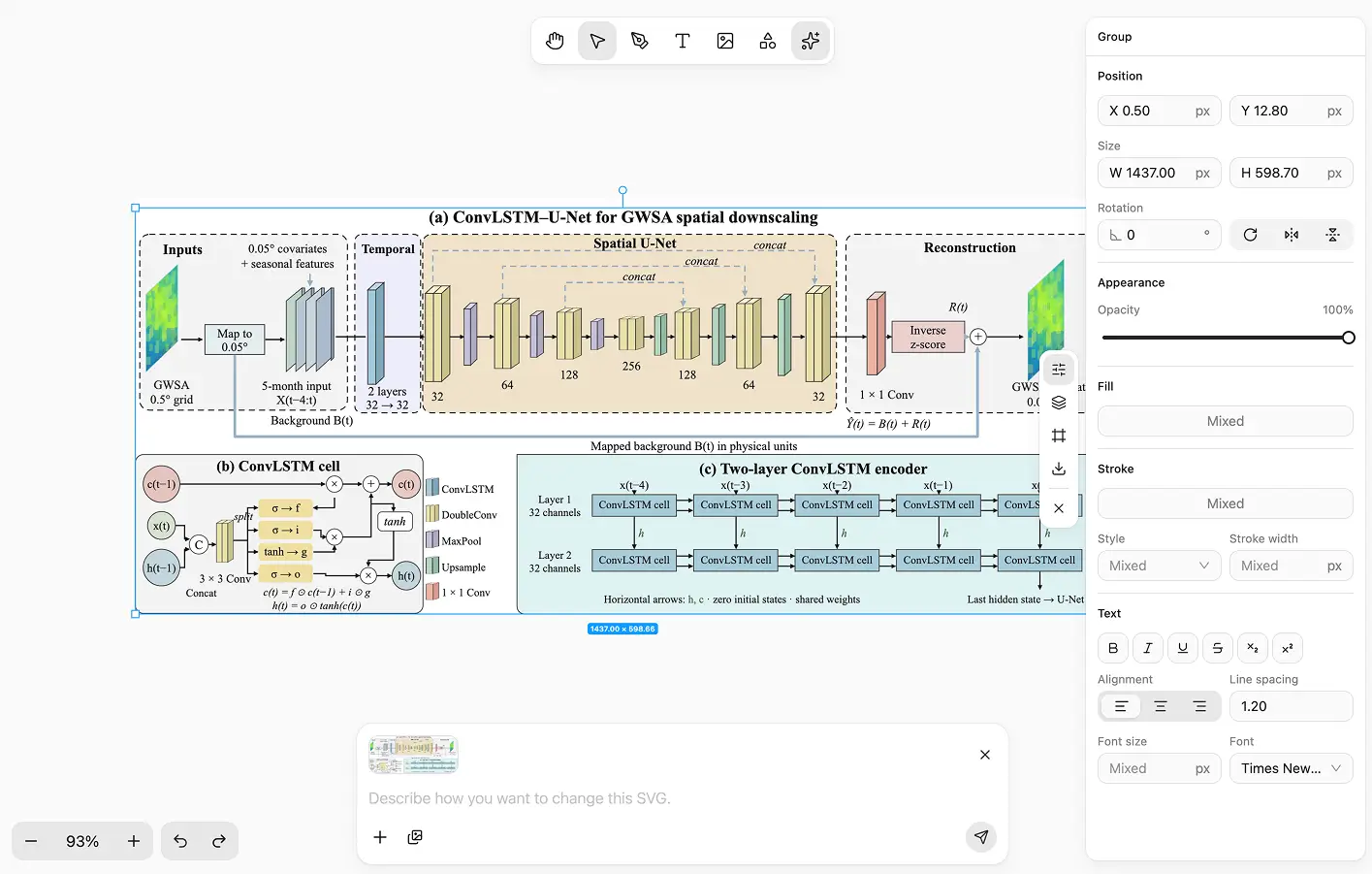
A description becomes vectors
Write the picture and get a vector. Scientific figures, illustrations, infographics, and icons can all start here.
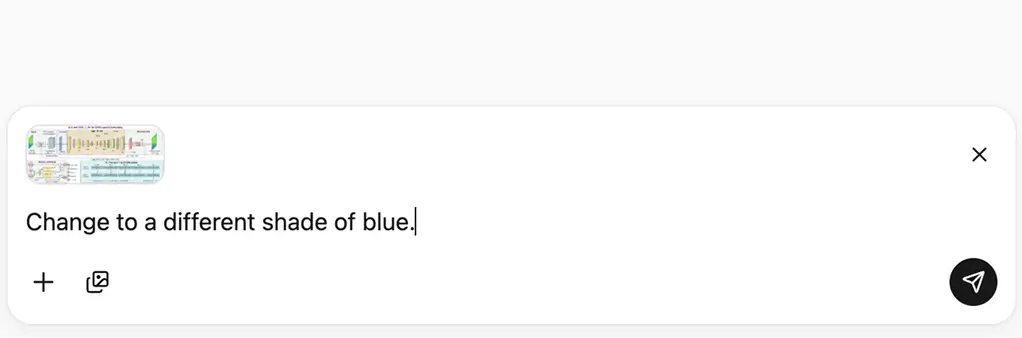
Change one place with a sentence
After it generates, describe the part to change. With an object selected, only that part moves. The other shapes and text stay put.
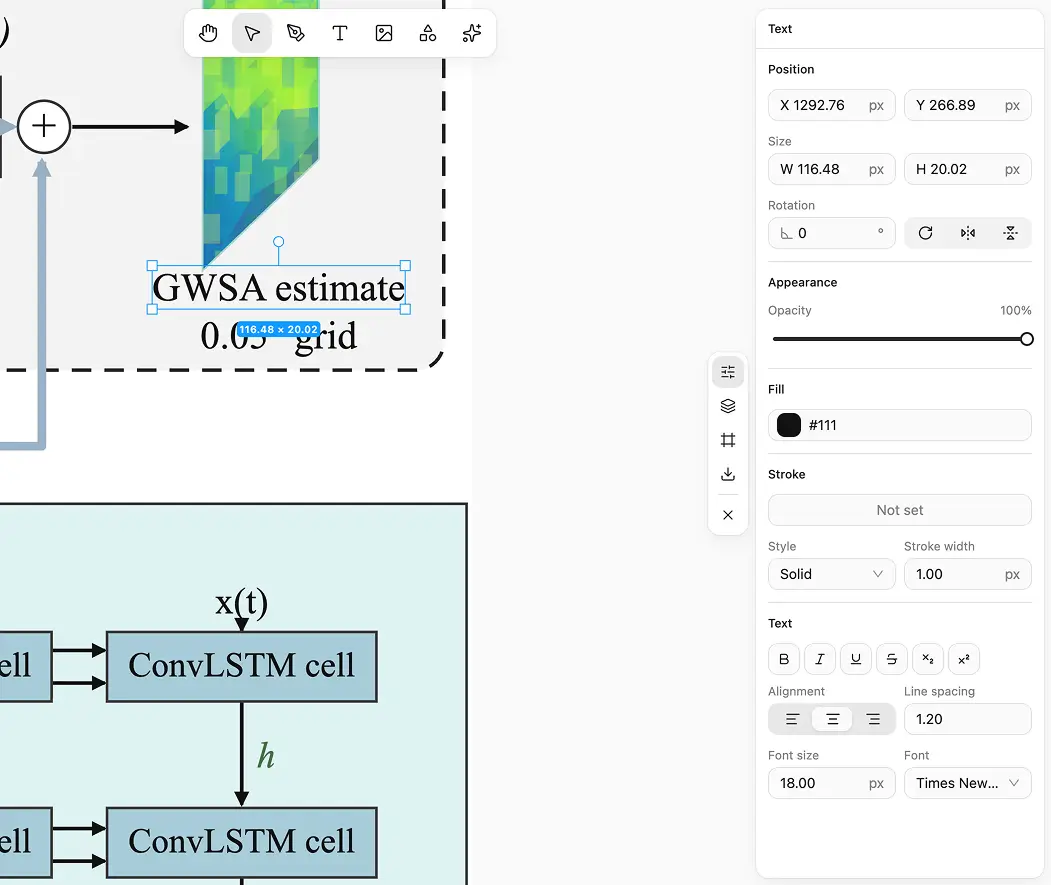
Shapes and text can be adjusted by hand
Pen, brush, and common shapes are in this editor. Layers, fills, and text can be changed manually.
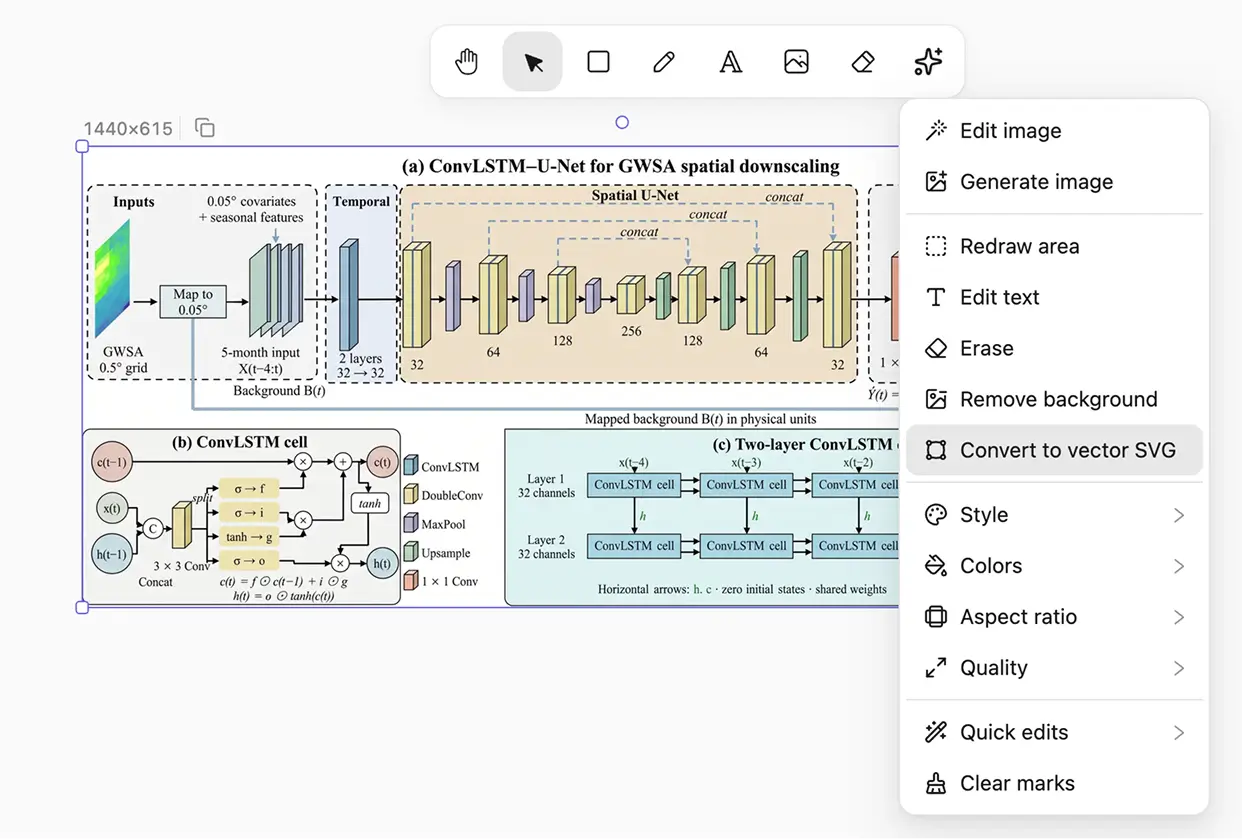
An existing image can become a vector too
A regular picture can be converted to vectors. After that, shapes and text can still be changed.
A bitmap goes soft. A vector stays a line.
A scientific figure or illustration headed for a paper, a slide, or a web page needs paths you can still edit, not a flattened picture.
Artwork that has to scale
Scientific figures, illustrations, and icons. After they generate, shapes and text can still change on the same vector.
Vector graphics to generate
Say it is a vector. For a scientific figure, name the journal figure style. For an illustration, name how it is drawn.
Questions that come up while making vectors
Can AI generate a vector directly?
Can I change it after it generates?
What is it for?
Do AI edits use credits?
Where is the vector stored?
What can I export?
If it is going into a paper or a slide, make it a vector.
After it generates, it stays in the vector editor. Change the shape or the text you clicked. The lines stay sharp when you scale them.