Redrawn as an SVG from the picture
The result is an SVG drawn by the model. The shapes can be changed again.
Select an image and convert it to vectors. Shapes and text stay on the same artwork, and the edges stay sharp when you scale it.
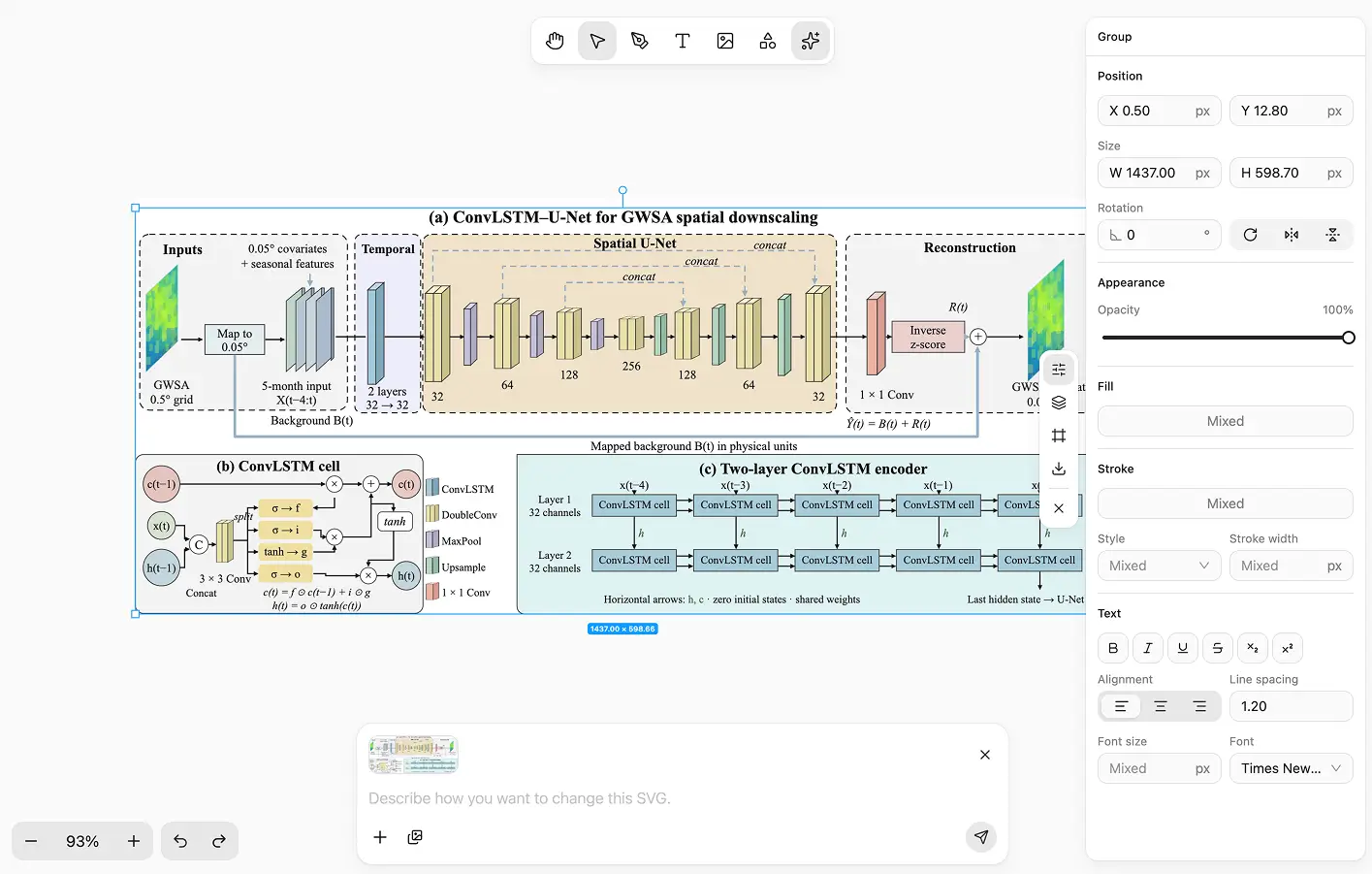
The result is an SVG drawn by the model. The shapes can be changed again.
The shapes and text you point at can change. What you did not mention stays as it is.
A bitmap blurs as soon as you enlarge it. Paths stay sharp on the page. Screen export can be transparent. Print export follows the page size.
Architecture diagrams from a paper, a portrait, and a still life. Once they are paths, they stay sharp when scaled, and one spot can change without redrawing the rest.
Start a file, place the picture, click once in the AI shortcut menu, then keep editing.
Step 1
Begin with a new image or vector file.
Step 2
Bring in the picture you want as a vector.
Step 3
In the AI shortcut menu, click Convert to vector SVG.
Step 4
After conversion, keep editing paths, shapes, and text there.
After conversion it stays in the vector editor. The lines stay sharp when you scale them.