Draw flows and architecture you can use, faster
Start from a description and generate a flow or architecture diagram. After it generates, revise it on the AI whiteboard until the diagram satisfies you.
Professional diagrams, in one place
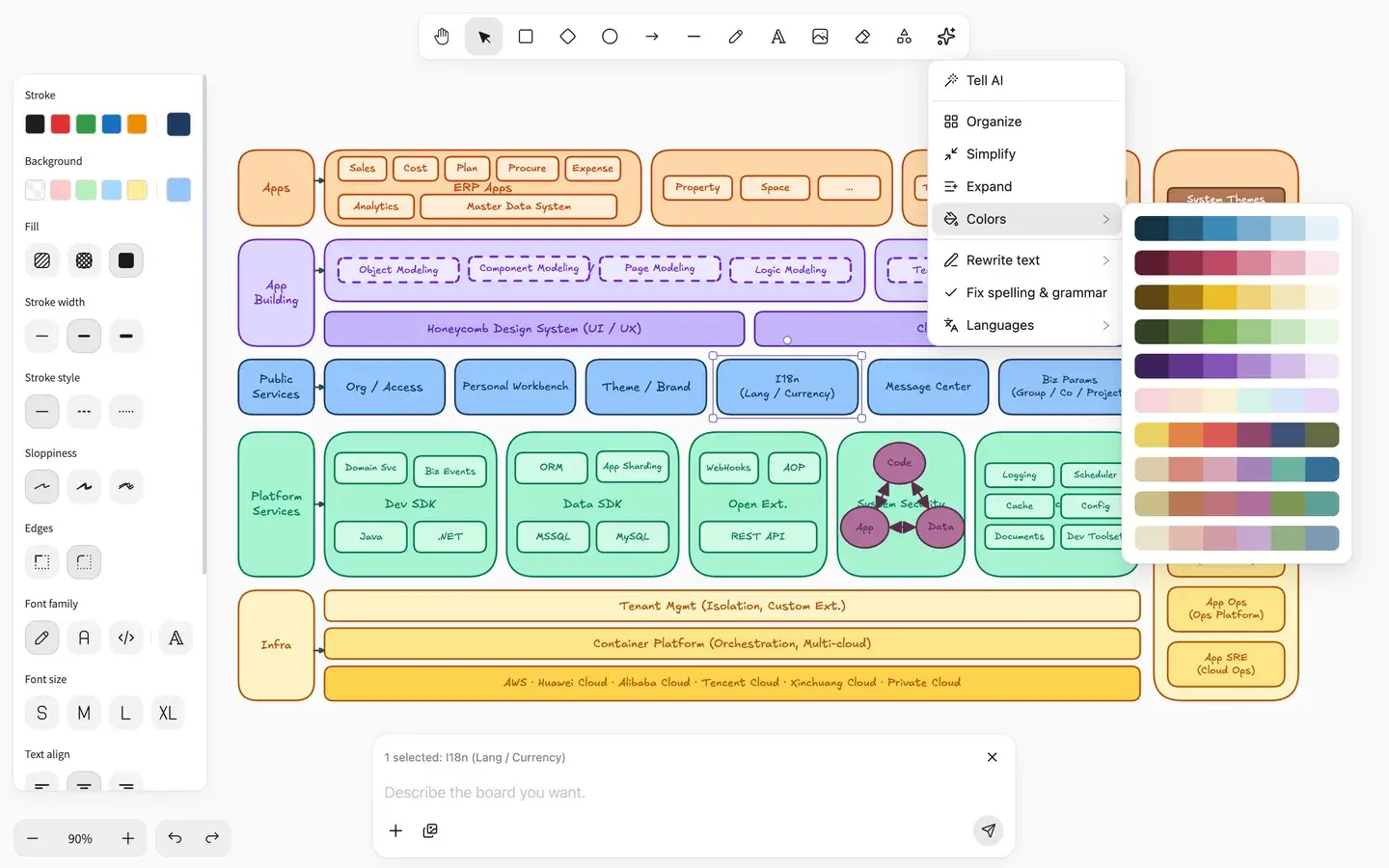
A professional, full-featured AI whiteboard editor
Flows and architecture sit on a whiteboard you can drag and adjust. After it generates, keep revising the boxes and arrows until you're satisfied.

A whiteboard diagram generated from deep research
Research your request in depth, then generate a whiteboard diagram that fits.
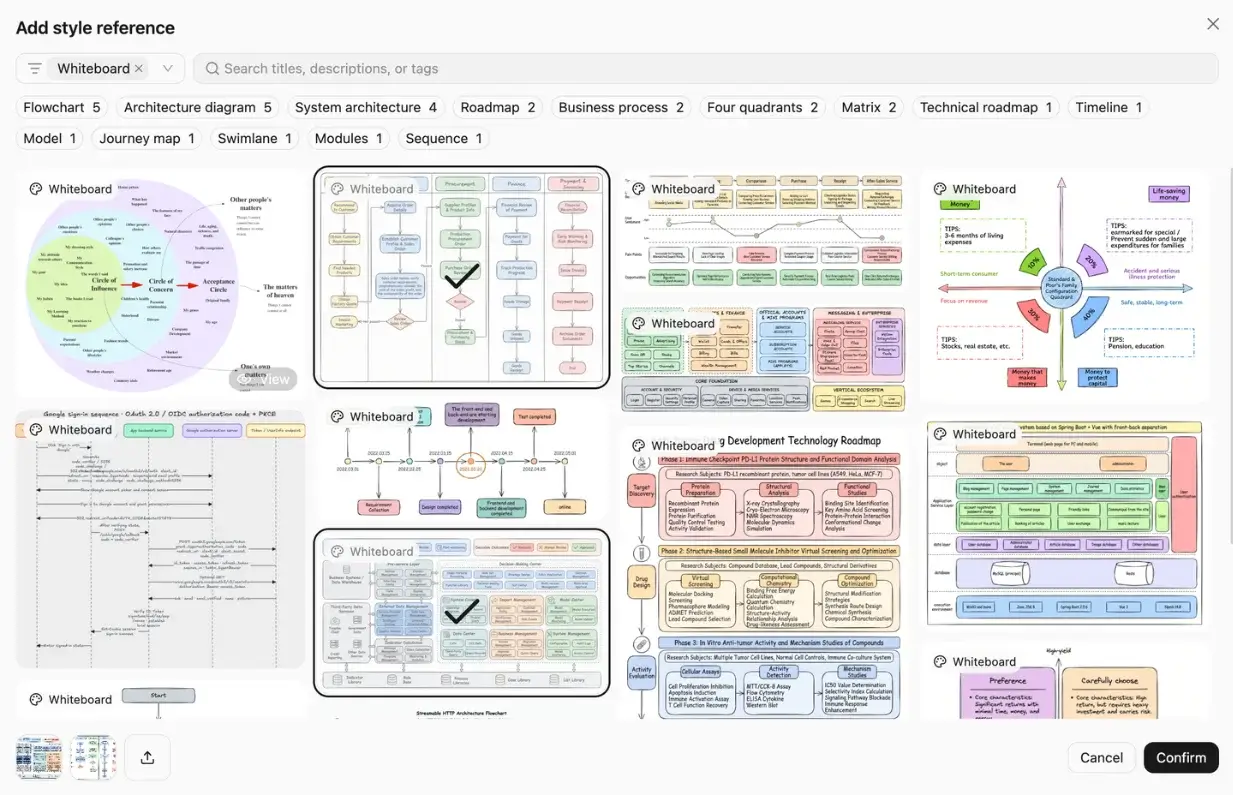
Professional templates, ready to use
Use a template as a reference for the flow or architecture, or apply it and keep editing. When you start from a description, you already have a professional starting point.
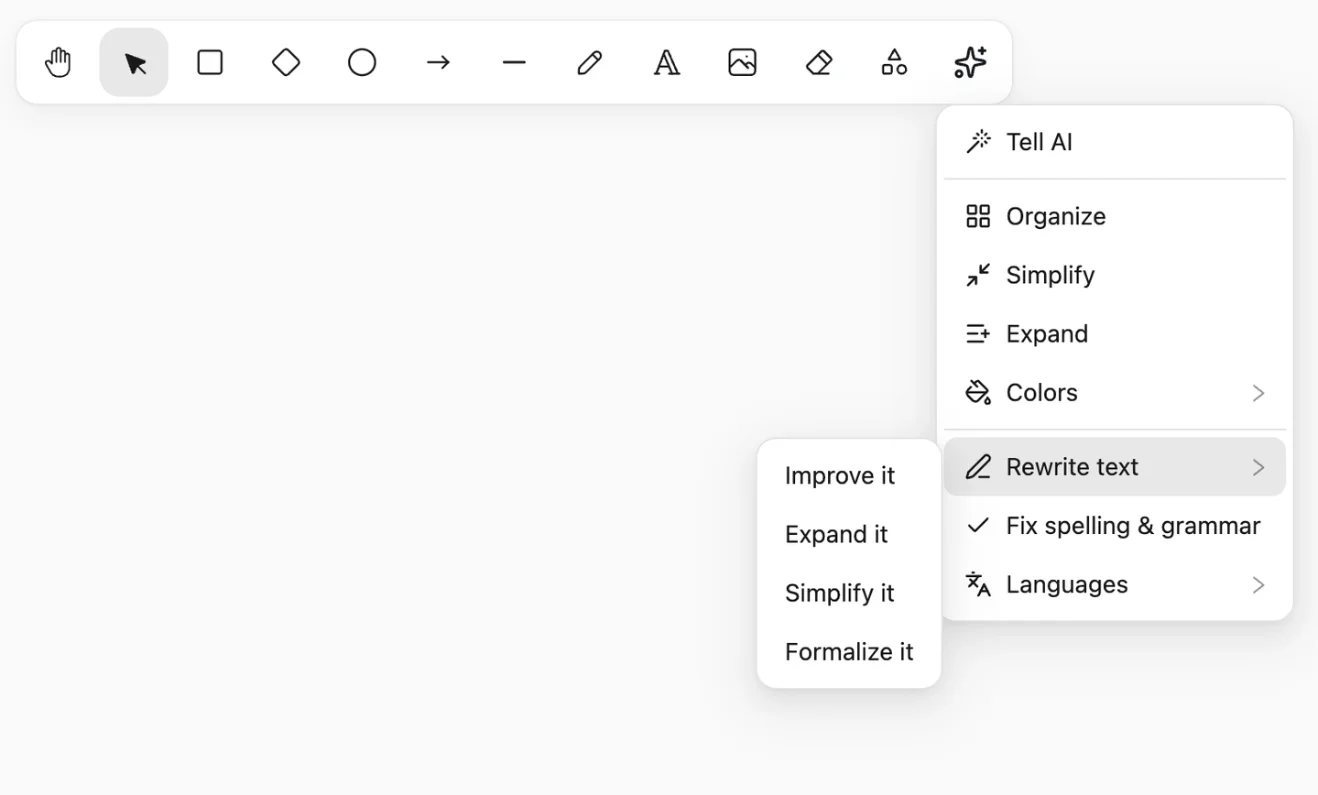
A built-in AI shortcut menu
Select a passage and the AI shortcut menu changes it to the wording you want.
Where professional diagrams differ
An editor you can drag and adjust, professional templates, and research-based design. From your request to a diagram you can use.
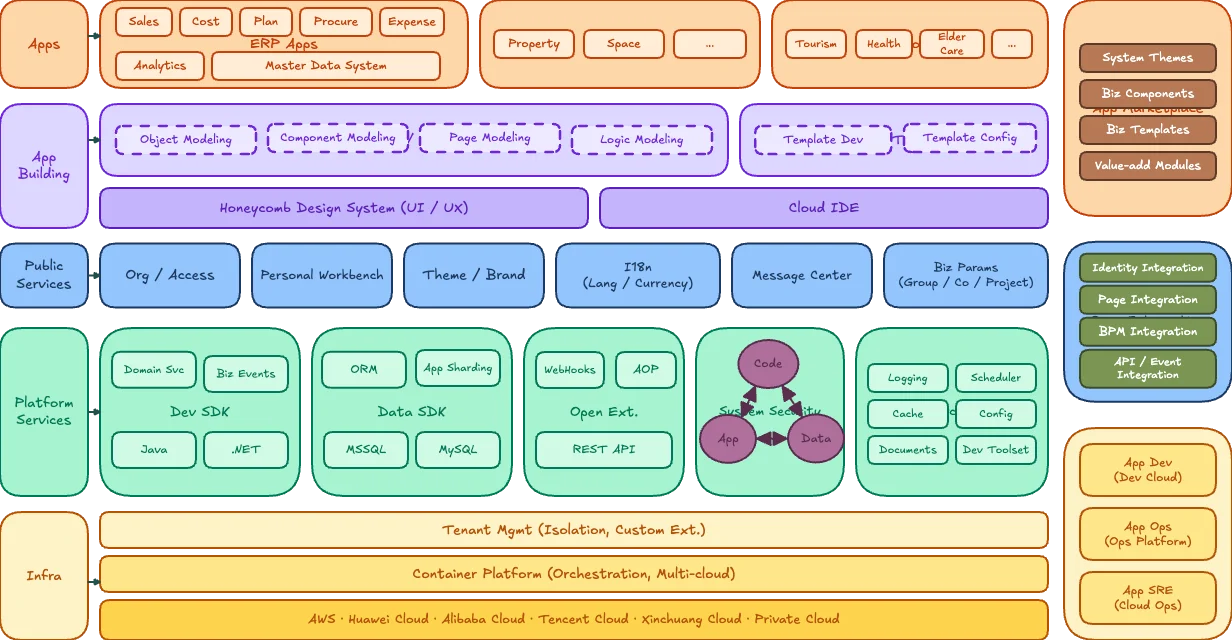
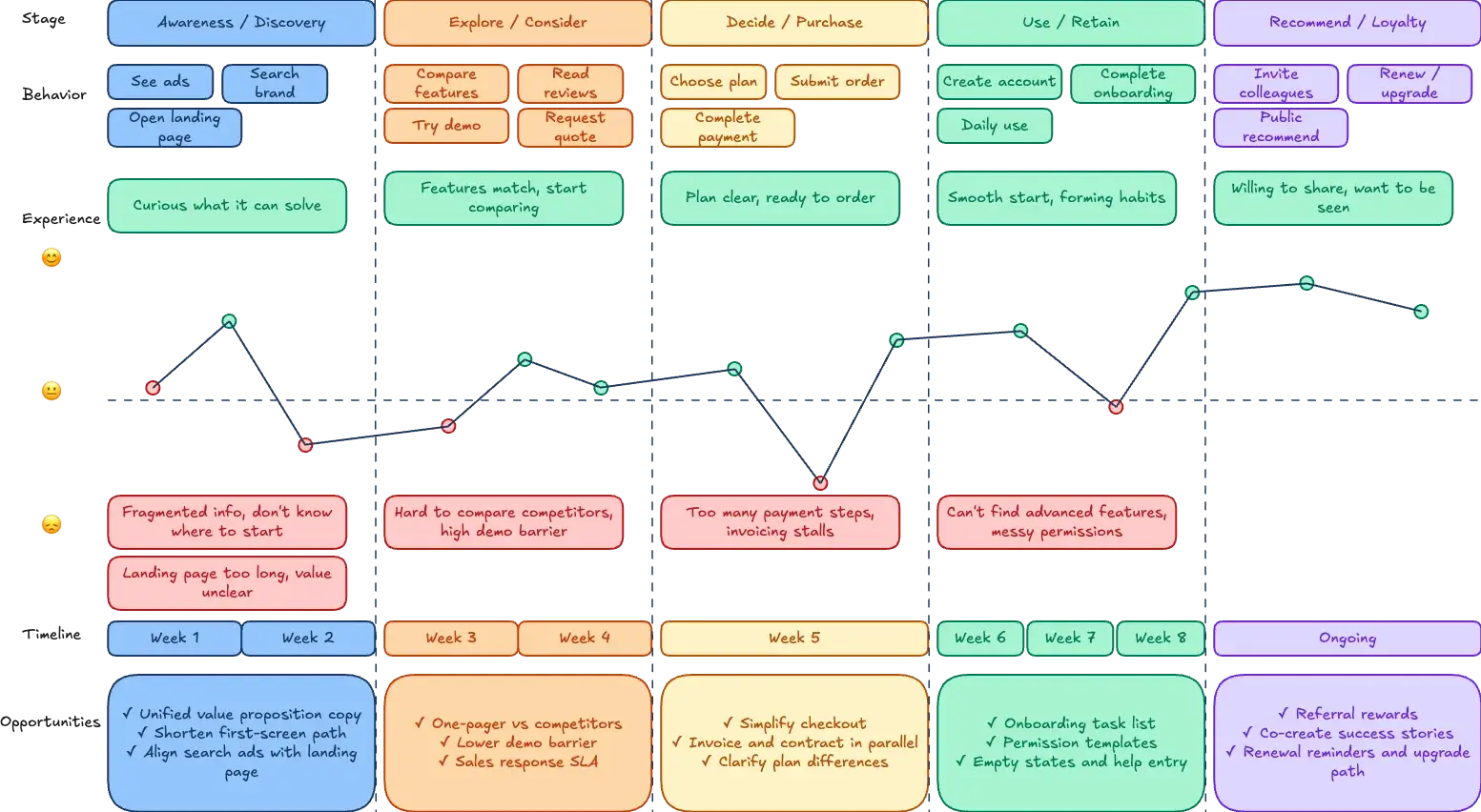
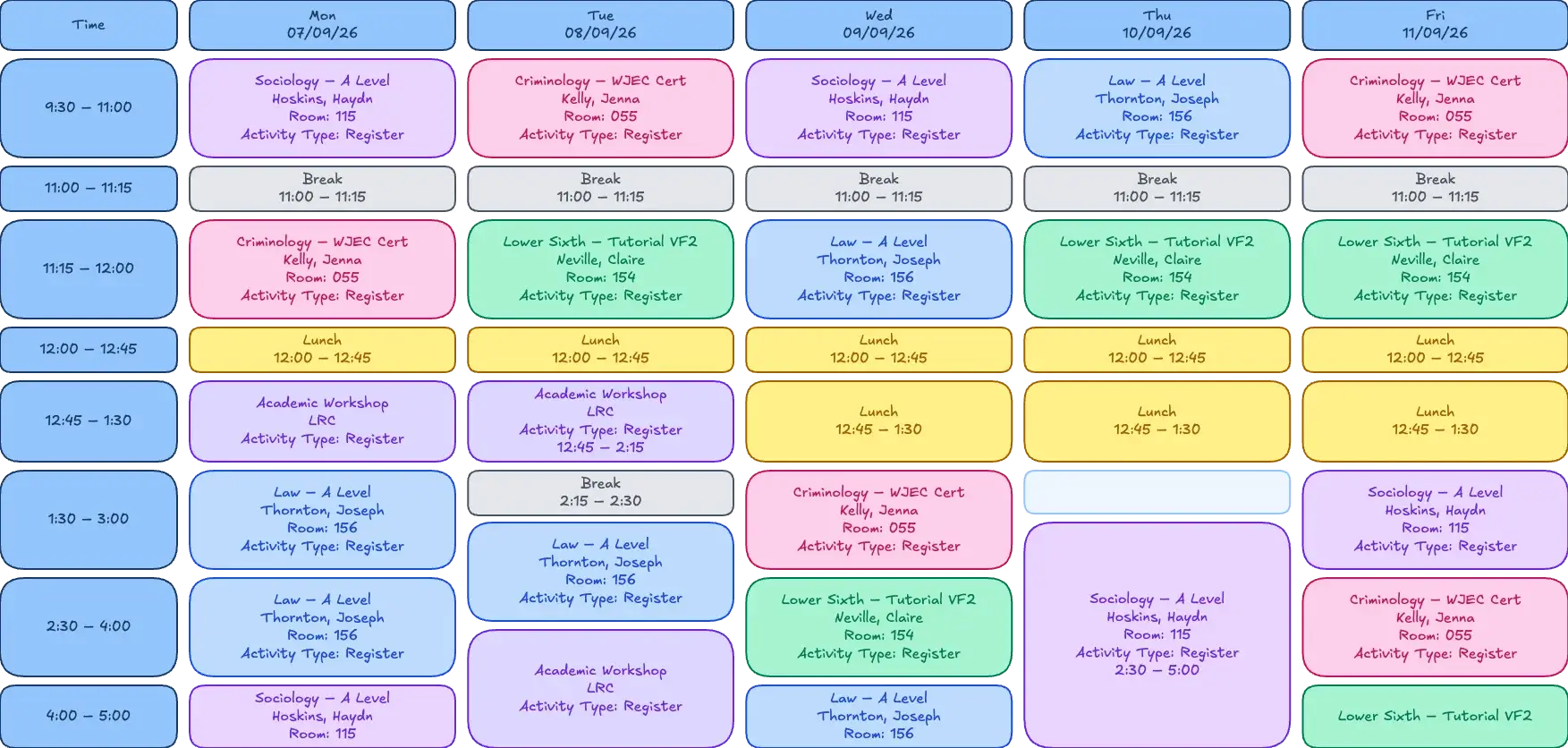
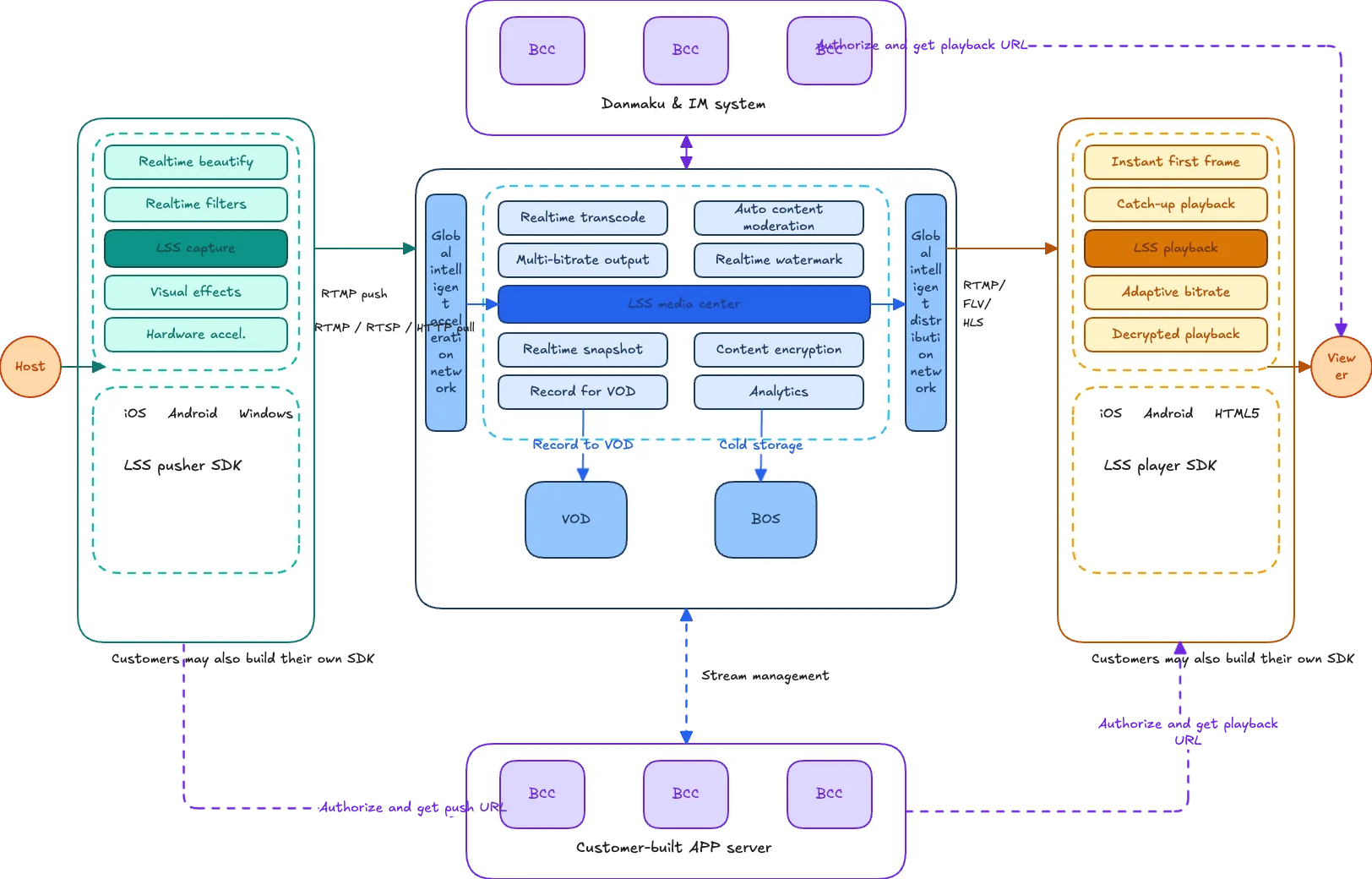
See what the AI whiteboard can create
Real designs made with the AI whiteboard.
Questions about the AI whiteboard
Draw a diagram you can use, faster.
Start from a description. Generate, edit, and polish until the flow or architecture is ready to use.