Write a report you can use, faster
Start from a research pass and write a report. After it generates, revise it in the AI document editor until you're satisfied.
Professional report writing, in one place
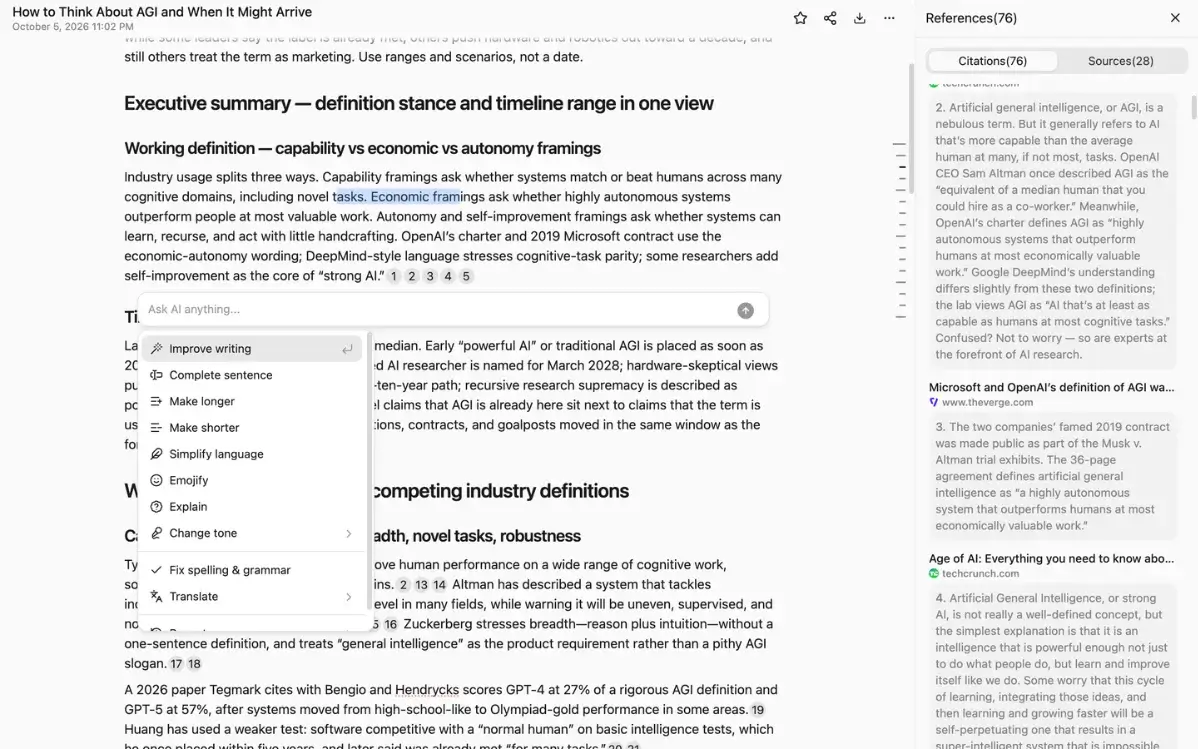
A professional, full-featured AI document editor
After it generates, stay in the same piece. Revise with the AI document editor until you're satisfied, without starting another file.
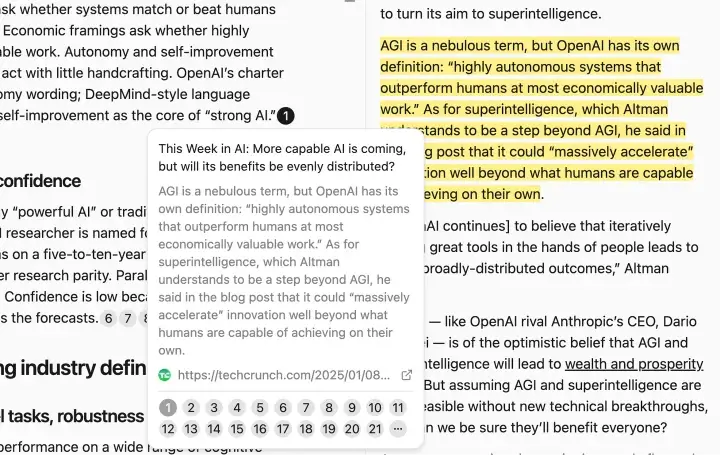
Every sentence leads back to its source
Every sentence leads back to the passage it rests on. See the source, then decide whether the sentence stays.
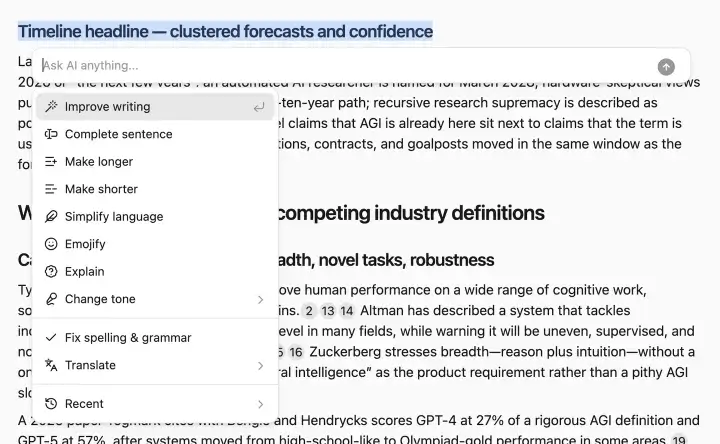
A built-in AI shortcut menu
Select a passage and the AI rewrites, expands, or shortens it the way you intend, until it reads right.
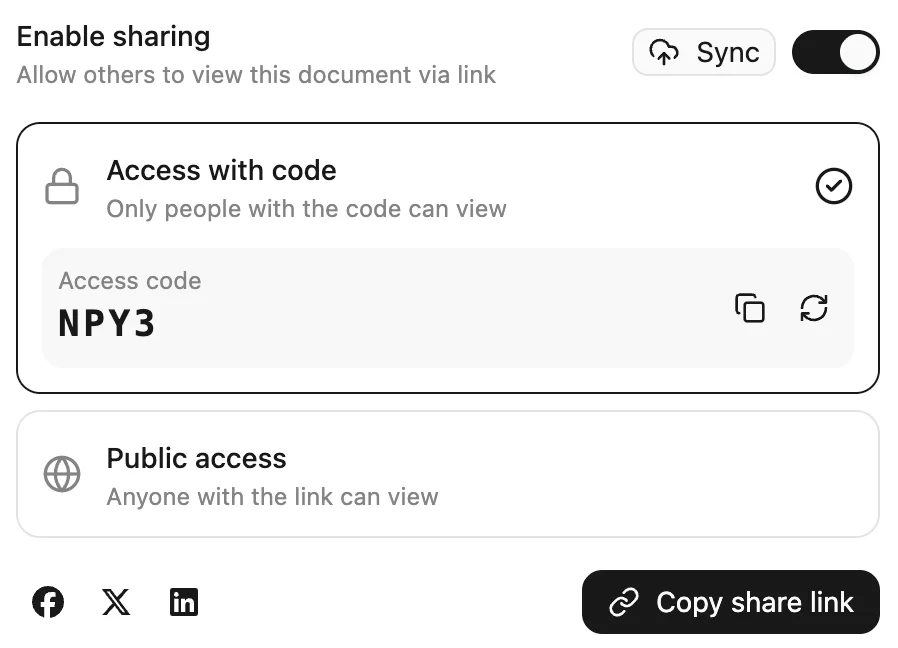
Hand off a finished report
Take the report with you, or hand it to someone else. What you hand off is finished. Later edits stay with you.
Where professional report writing differs
An editor, citations you can check, and research-based writing. From your request to a report you can use.
Example prompts
Copy one and try it in SpanSearch.
Questions about the AI document editor
Write a report you can use, faster.
Start from a research pass. Write, revise, and polish until it's ready to hand off.