When the research is done, is it one page, or several kinds of documents?
Notion is a team's docs and wiki. Notion AI searches the workspace, the tools you connect, and the public web, then writes the result back as a page the team edits in Notion. SpanSearch does the research: you choose the sources, it reads the pages, and the claim keeps the passage beside it. The same round can become a report, a mind map, a whiteboard, an image, and a vector graphic. Each has its own editor.
The result of the research does not have to fit on one page
If the team wants one page they can edit together, use Notion. If the same round also needs a mind map, a whiteboard, figures, and vector graphics, each in its own editor, use SpanSearch.
One round of research, several documents
A Notion research report is a page in the workspace. Structure, flow, and figures live on that page, or on another page you open. SpanSearch splits them by kind: a report, a mind map, a whiteboard, an image, and a vector graphic. Each one is its own document.
Each kind has a professional editor
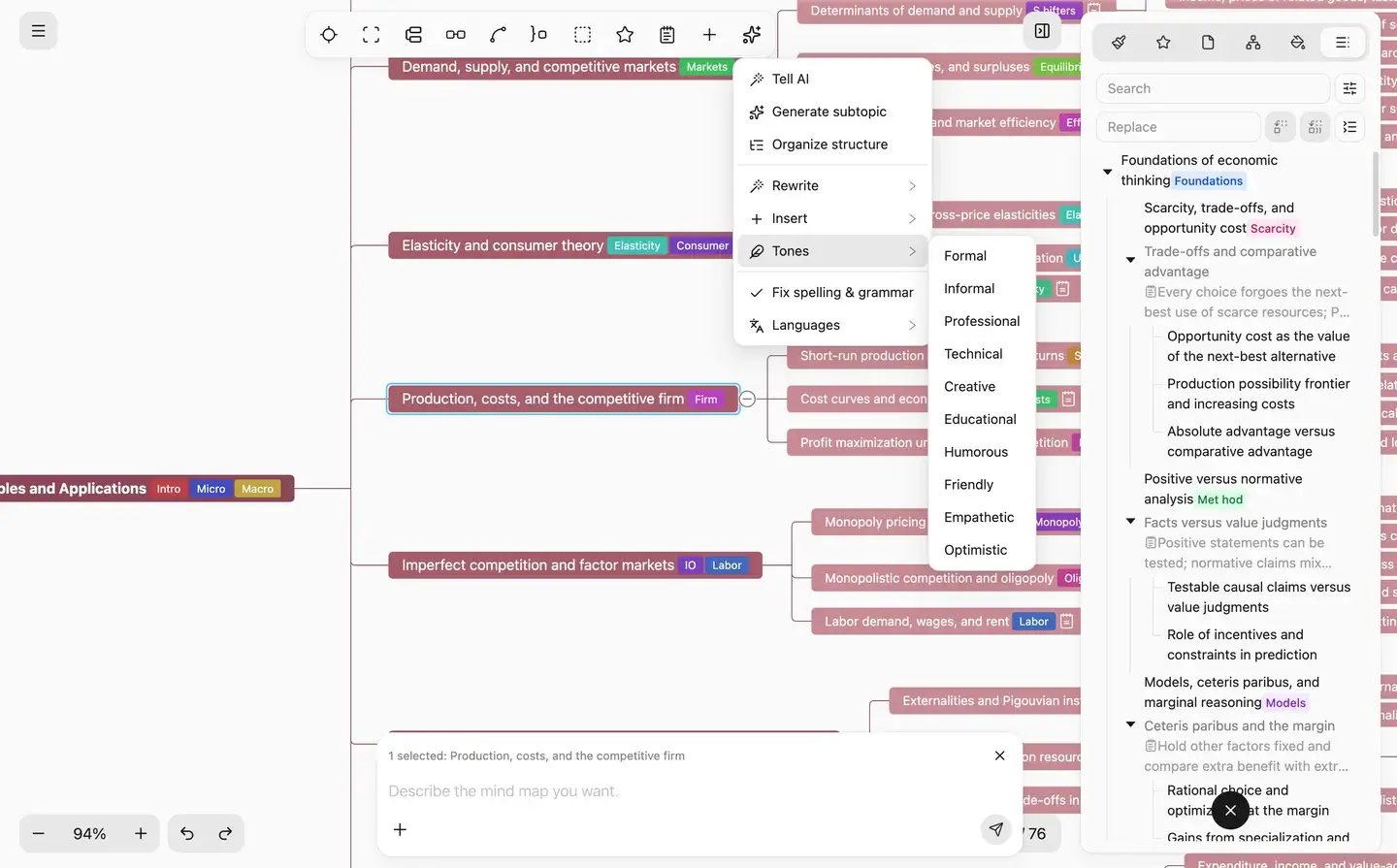
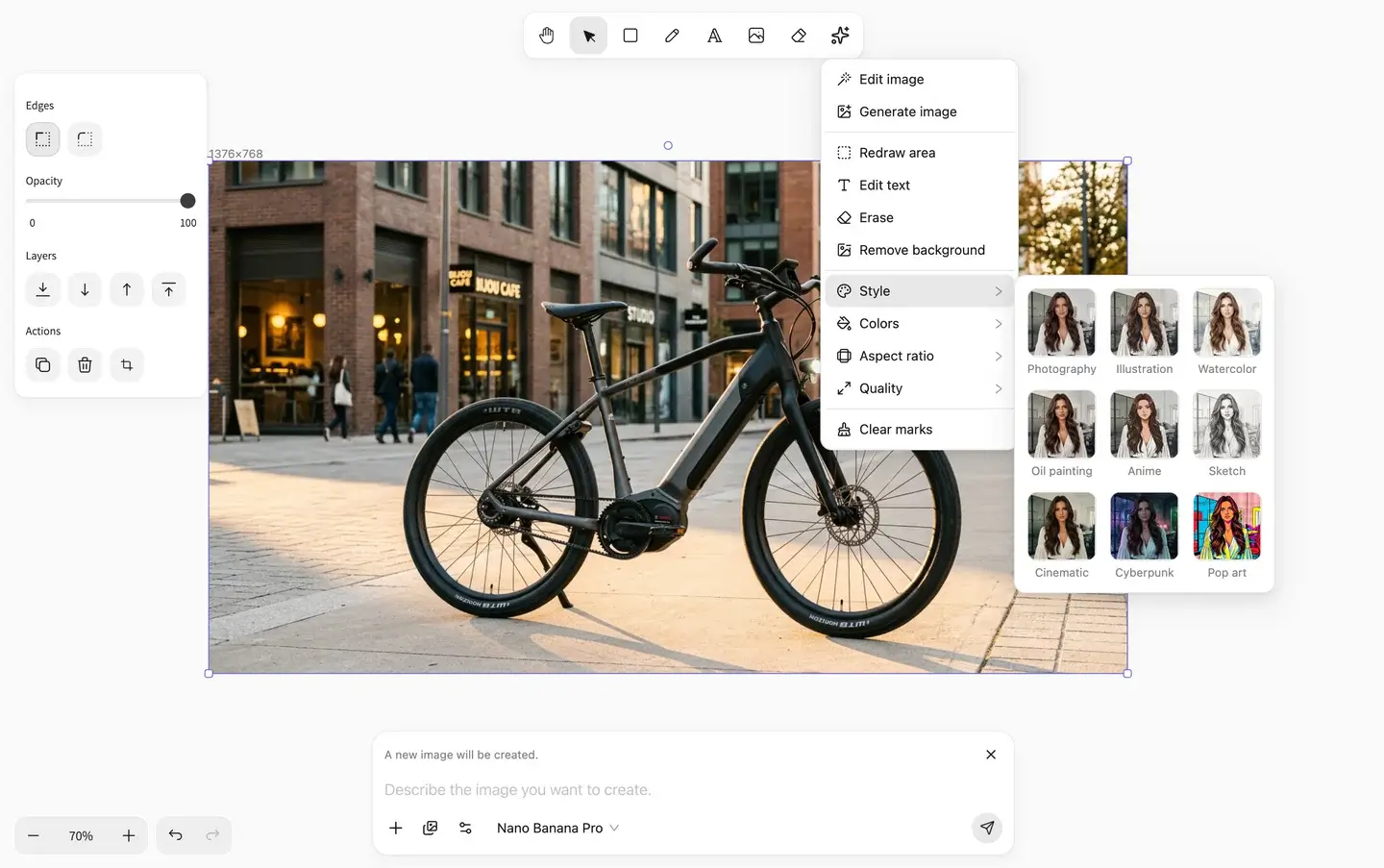
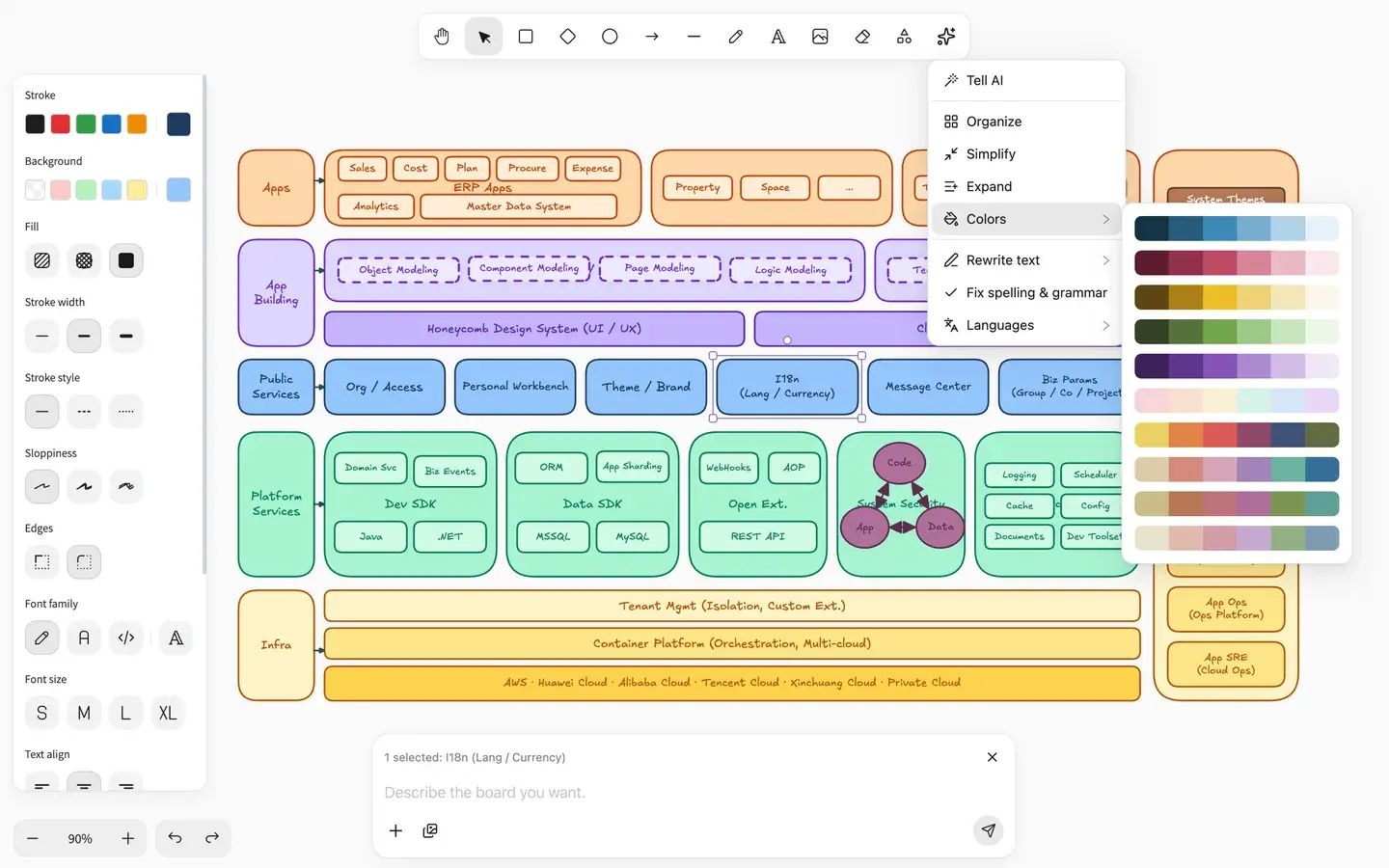
Notion lays the page out in blocks. SpanSearch includes five editors. Rewrite sentences in the text editor. Drag branches in the mind map. Move boxes and arrows on the whiteboard. Figures go to the image editor. Scientific figures, illustrations, and icons become vectors, and you adjust shapes and text in the vector editor.
Research means read, then write
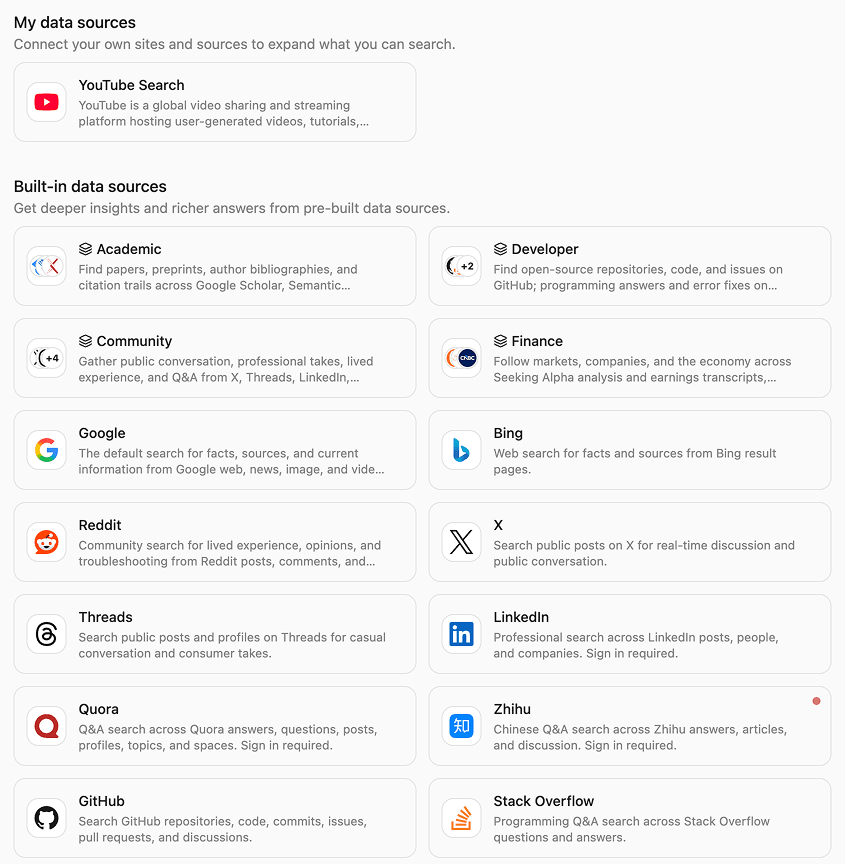
Notion AI searches the workspace, connected tools, and the public web, then writes a page. SpanSearch starts from sources you choose: built-in sources, a set you saved, or a site connected in the browser, including a page you are logged into. It gathers the relevant pages, reads them, and writes what is on the page.
The report keeps the passage
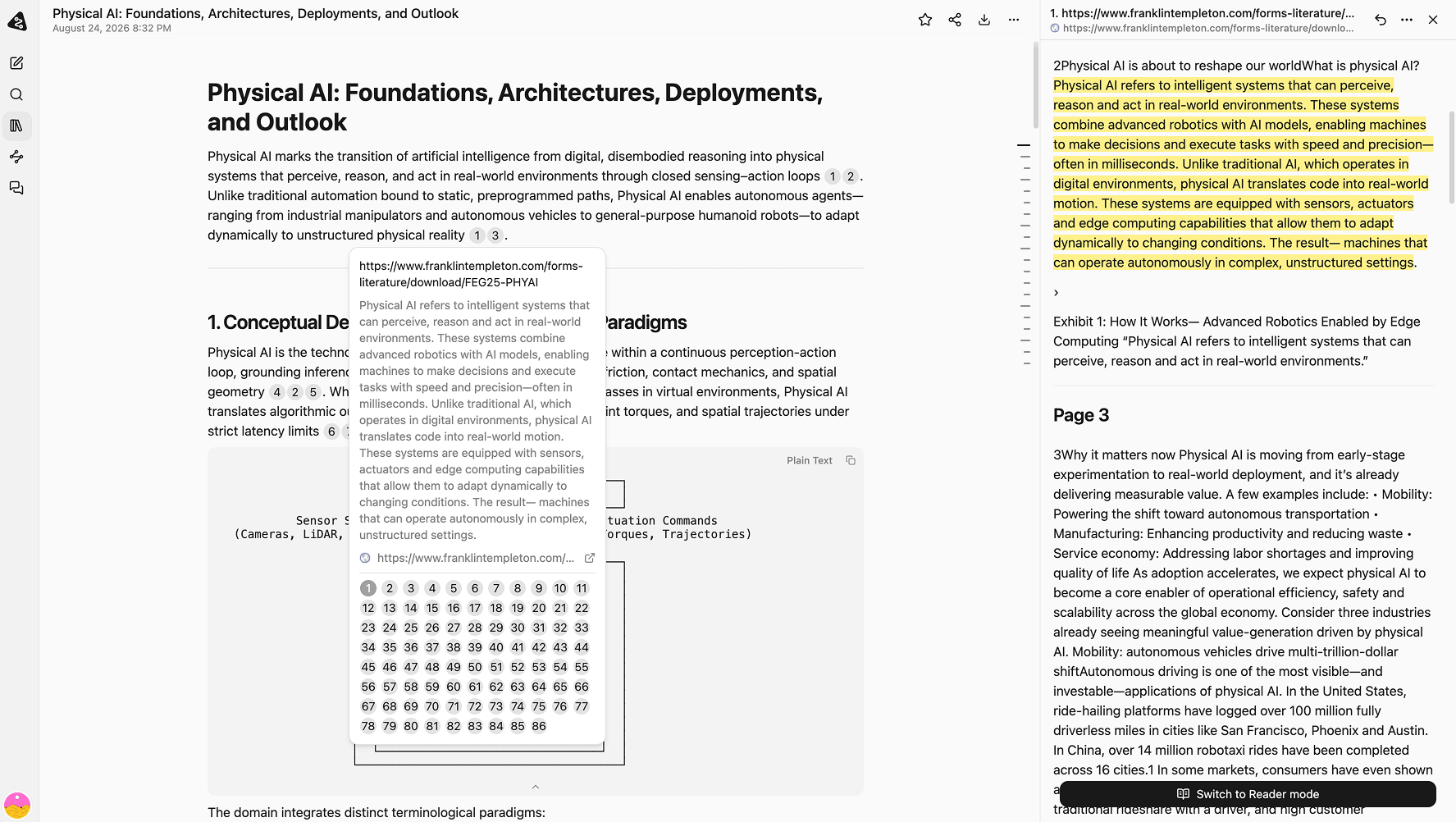
Notion marks the sources it used, and you go back to that page to check. In SpanSearch the report sits in the text editor, and the passage hangs next to the claim. Read it, translate or shorten it if you need to, then keep the line or drop it. The mind map, the whiteboard, and the vector graphic grow out of that research. They are not a separate draft with no source.
When the research is done, each document has a place
Read the pages first. Then put each kind of result in the editor that matches it.
Finish the research first
After you choose the sources, gather the relevant pages and read them. The report uses what is on the page. The passage stays next to the claim, so you can check it before the line stays.
The AI can generate a scientific figure, an illustration, or an icon, and an existing image can be converted into a vector in one step. Adjust shapes, text, and layers in the vector editor. Other figures go to the image editor.
Steps, architecture, and what connects to what are moved as boxes and arrows in the whiteboard editor. All five editors are here. You do not switch apps.