Draw a character and a scene from a description
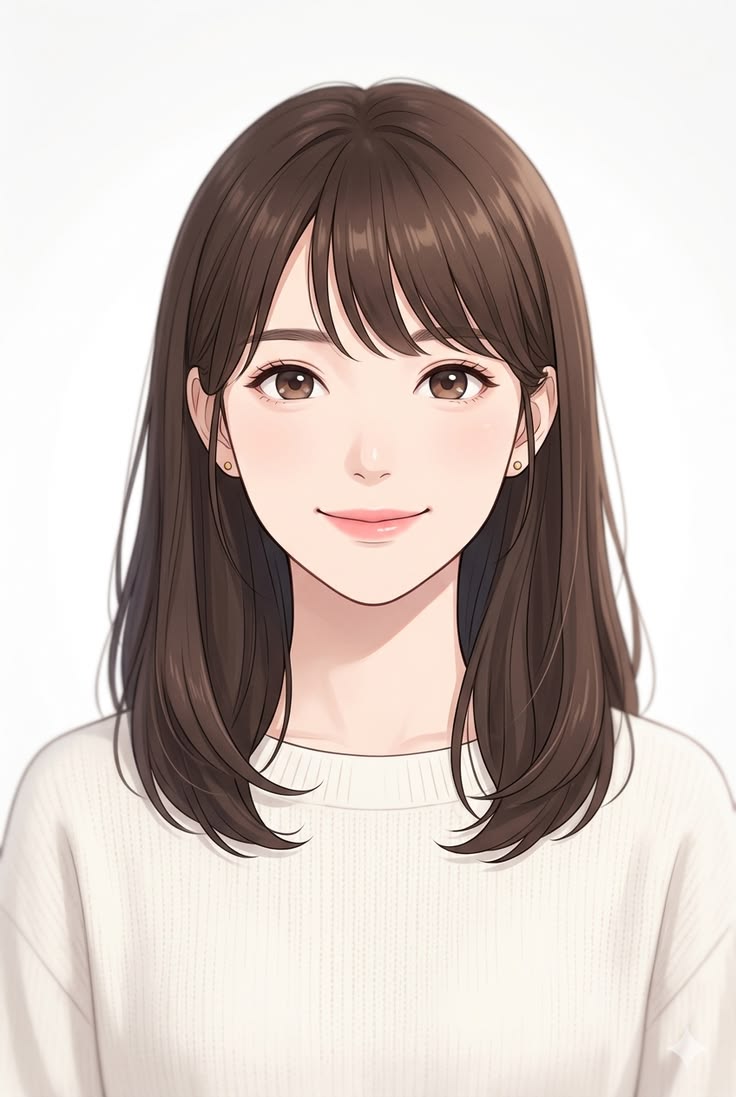
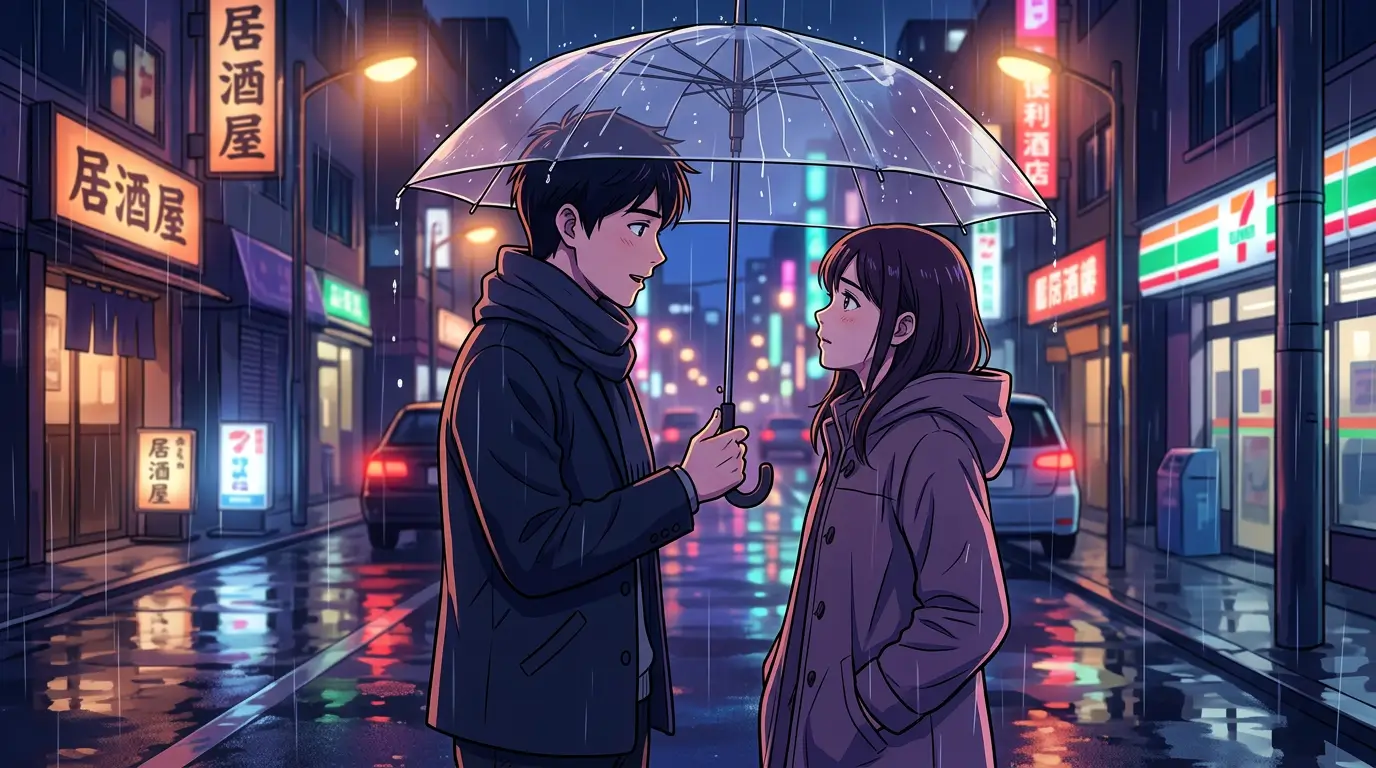
Write the hair, clothes, expression, and scene, and name a reference style. The AI draws a new anime image from that.
Write a character and a scene, and the AI draws from that. Or turn an existing photo into an anime character.
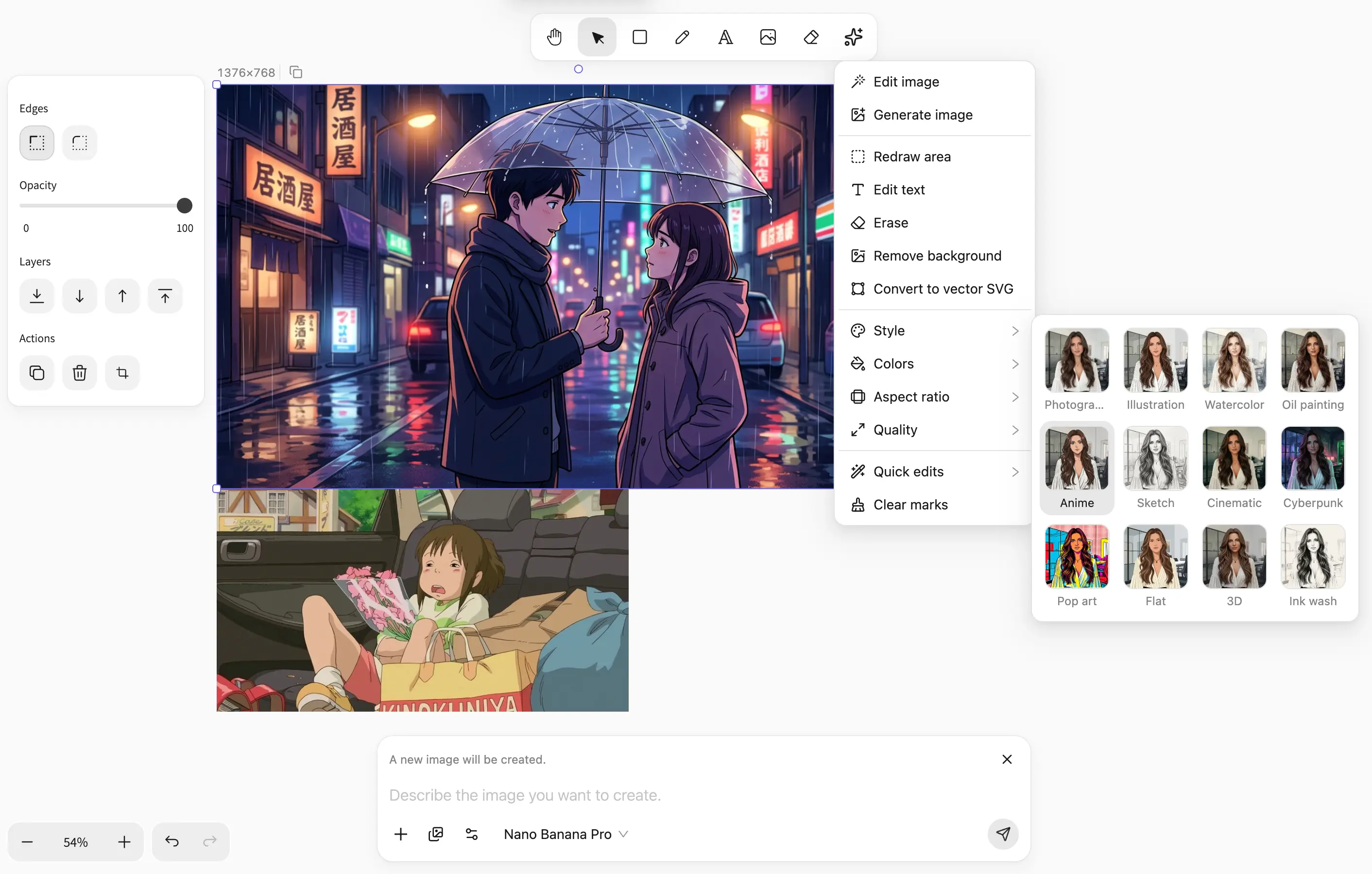
Write the hair, clothes, expression, and scene, and name a reference style. The AI draws a new anime image from that.
Select an existing photo and switch it to anime in the style menu. The person and the composition stay. The features are redrawn in anime style, and it is still the same person.
Change one spot. If it still needs to stay sharp when scaled, make it a vector.
A description can draw a character: hair, clothes, and expression. An existing photo can become an anime avatar.
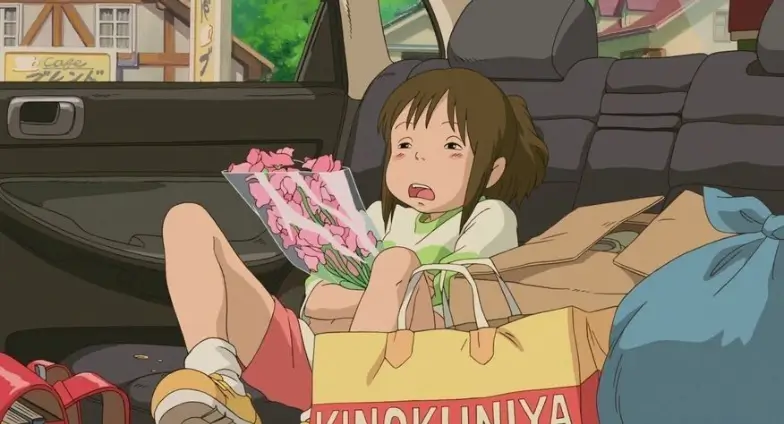
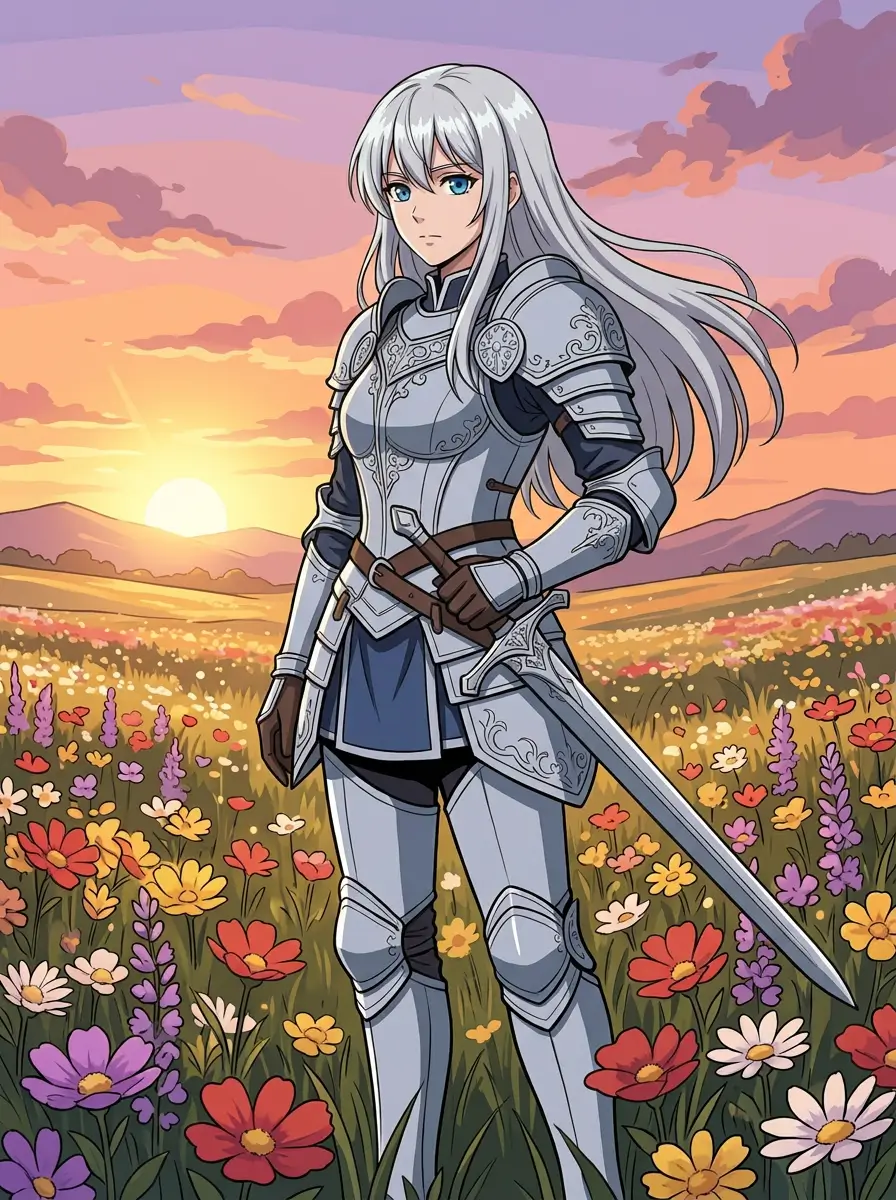
To generate, write the anime you want and pick a reference style. To convert, start a file, place the picture, then click once.
Step 1
In the input, write the anime you want.
Step 2
Pick a reference style.
Step 1
Begin with a new image.
Step 2
Bring in the picture you want as anime.
Step 3
In the AI shortcut menu, open Style and click Anime. Or select this photo and write in the input how you want to change it.
Write the character, the clothes, and the scene, and name a reference style.
Type a prompt and a reference style in the input, or switch it in the style menu.