Scratches, creases, stains, and fading
Tears and dust are included. Missing parts are filled from the surrounding picture. Crop, clothing, background, and the number of people stay.
Scratches, creases, stains, and fading come off, and missing parts are filled from the surrounding picture. The face is still the same person. Color is restored to what this photo originally had.
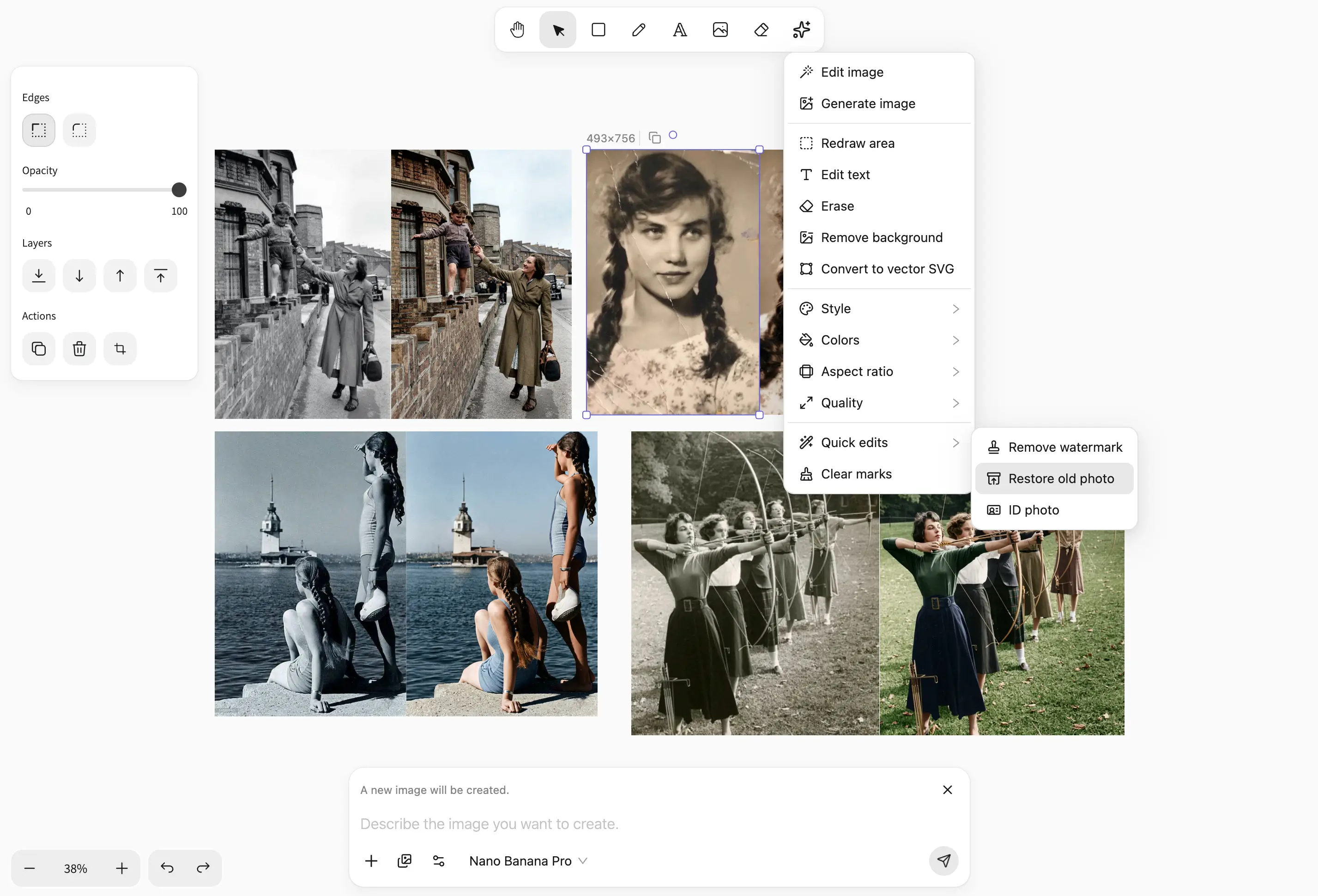
Tears and dust are included. Missing parts are filled from the surrounding picture. Crop, clothing, background, and the number of people stay.
Identity, age, and features stay. There is no beauty filter, no slimmer face, and no update into a present-day look.
A color photo brings faded color back, without a new grade. A black-and-white or yellowed photo is colored as the scene would have looked. It is not updated into a present-day look.
Prints that were folded, torn, faded, or scanned. The repair is the damage. The person is still the same person.
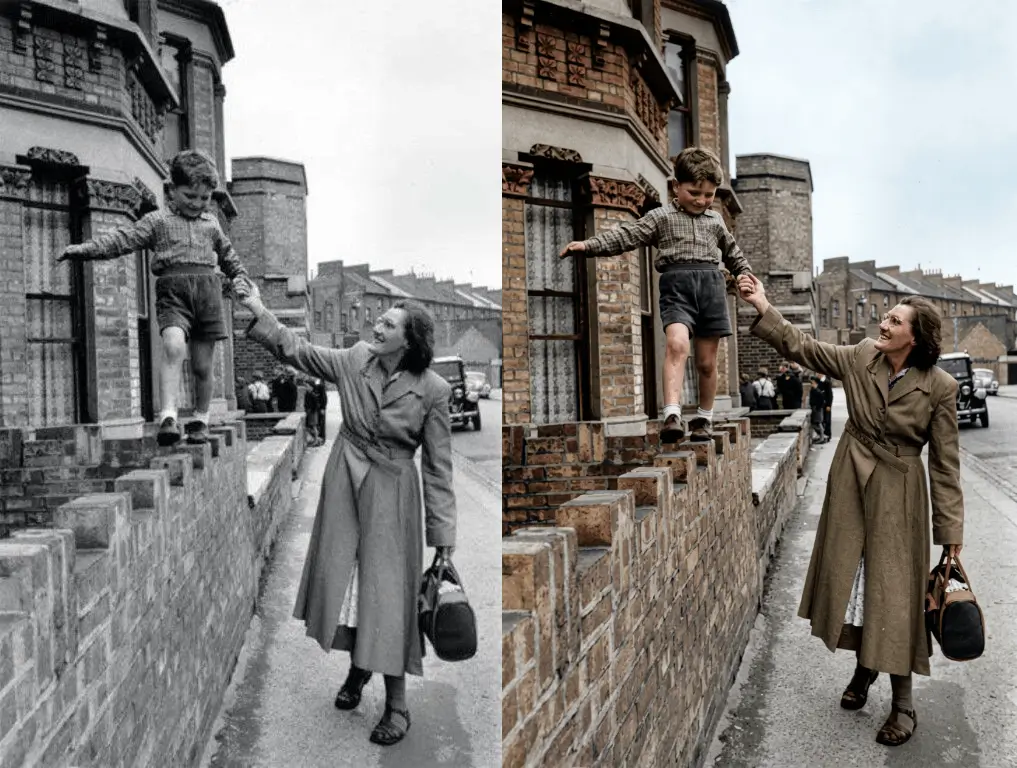
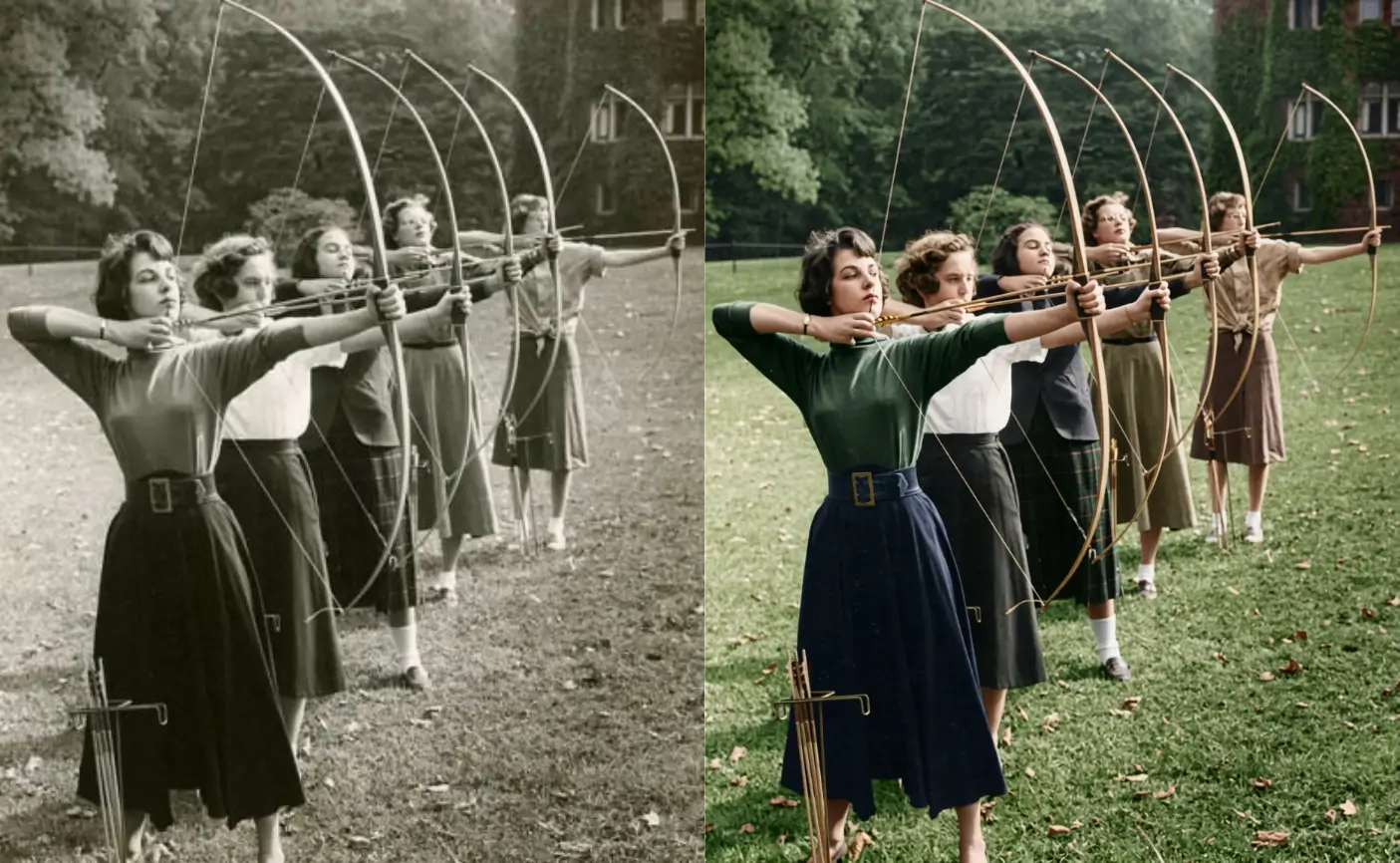
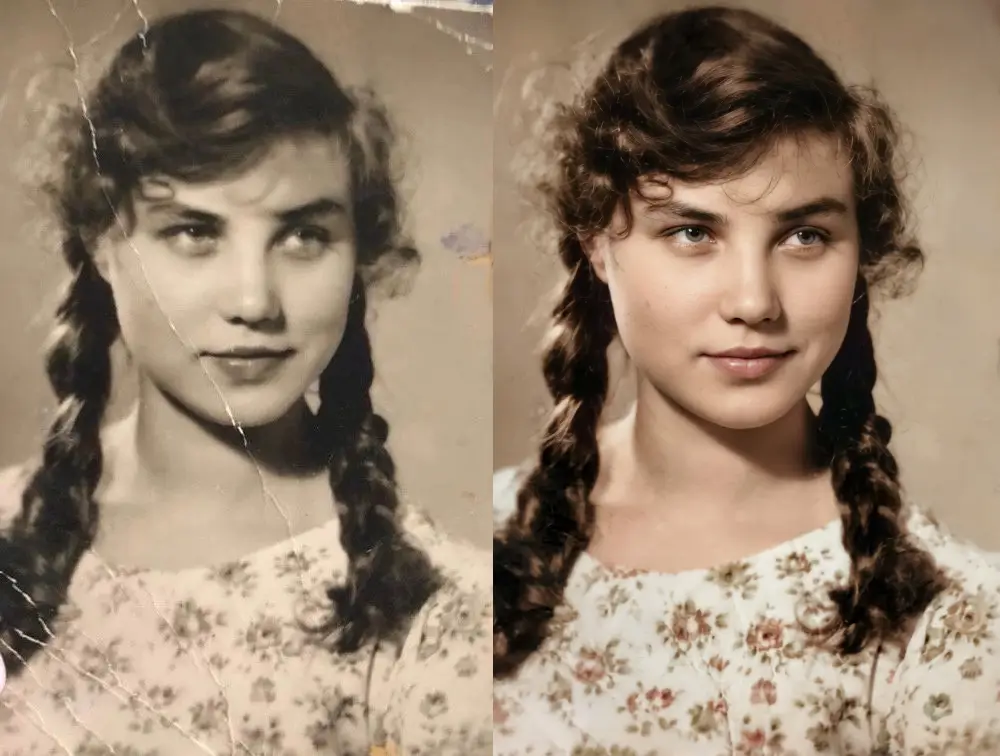
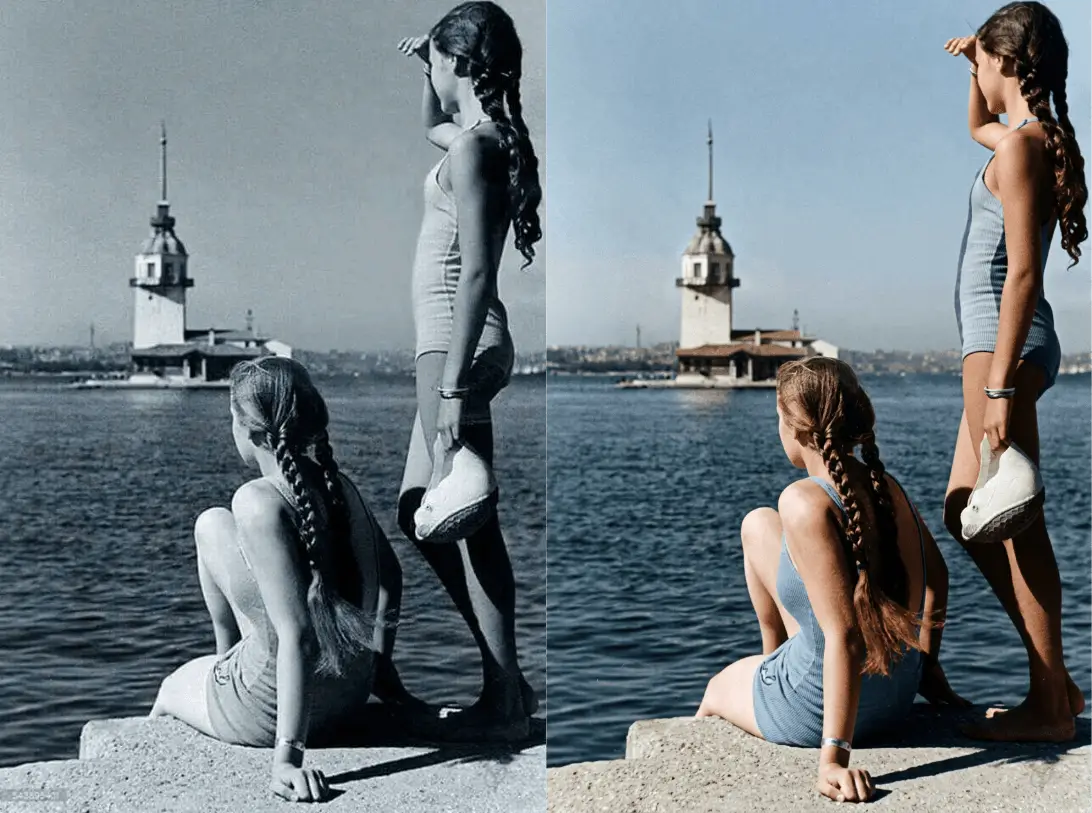
Start a file, place the old photo, then click once in the AI shortcut menu, or write the change in the input.
Step 1
Begin with a new image.
Step 2
Bring in the old photo you want restored.
Step 3
In the AI shortcut menu, open Quick edits and click Restore old photo. Or select this photo and write in the input how you want to change it.
Scratches, creases, and fading are handled in the image editor. The face is still the same person.