SpanSearch vs Muse

When the research is done, do you want a draft or do you want to keep editing?

Muse turns a research run into a report or a slide draft. You say what to change and what to keep, then export. SpanSearch puts the result in editors that are already there: the sentence, the picture, the map, and the board.

Get started for free
The SpanSearch text editor

Muse delivers a draft. SpanSearch keeps the editors.

Both can do the research. They split on what you do with the result.

The editors are already there

Muse produces a report, or a slide draft you can still change. The next change is usually another instruction, or an export. SpanSearch has editors for text, images, vectors, mind maps, and whiteboards. The result stays in them.
Each result has a place to edit it

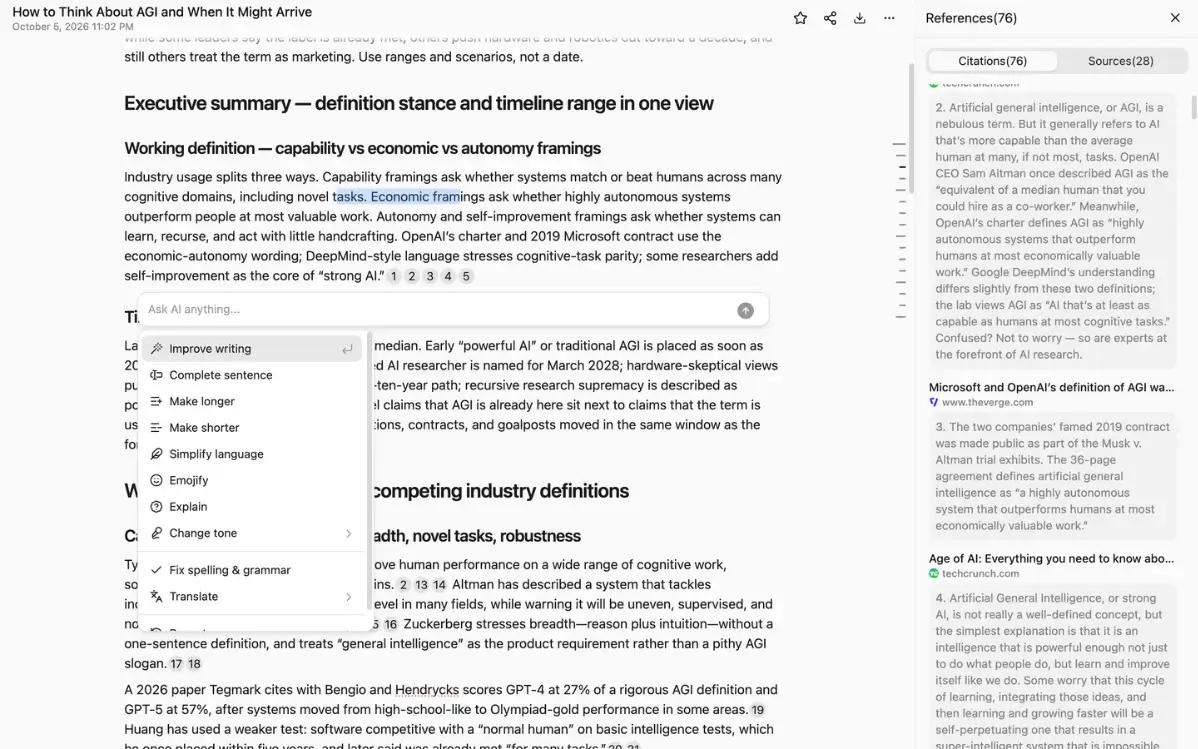
The report stays in the text editor, citation beside the sentence. Pictures go to the image or vector editor. Structure goes to the mind map. Steps and relationships go to the whiteboard. You are editing the copy in front of you.

The passage stays beside the sentence

A Muse report can list references. You still check them before you send it. In SpanSearch a key claim points at the passage. Open it, read it, keep the line or drop it.

You set the sources

Muse searches the public web and uses files you give it, plus connections you have already authorized. Before SpanSearch starts, you set the range: built-in sources, a saved group, or a site connected in the browser, including pages you are logged into. No MCP server to build, and no password to hand over.

After the research, which editor it lands in

Once the run is over, you keep going on the kind of result you have.

Edit as soon as the research is done

All five are here

No second app, and no follow-up note that says what to change and what to keep.

  • Text editor
  • Image editor
  • Vector image editor
  • Mind map editor
  • Whiteboard editor
Get started for free
The mind map editor

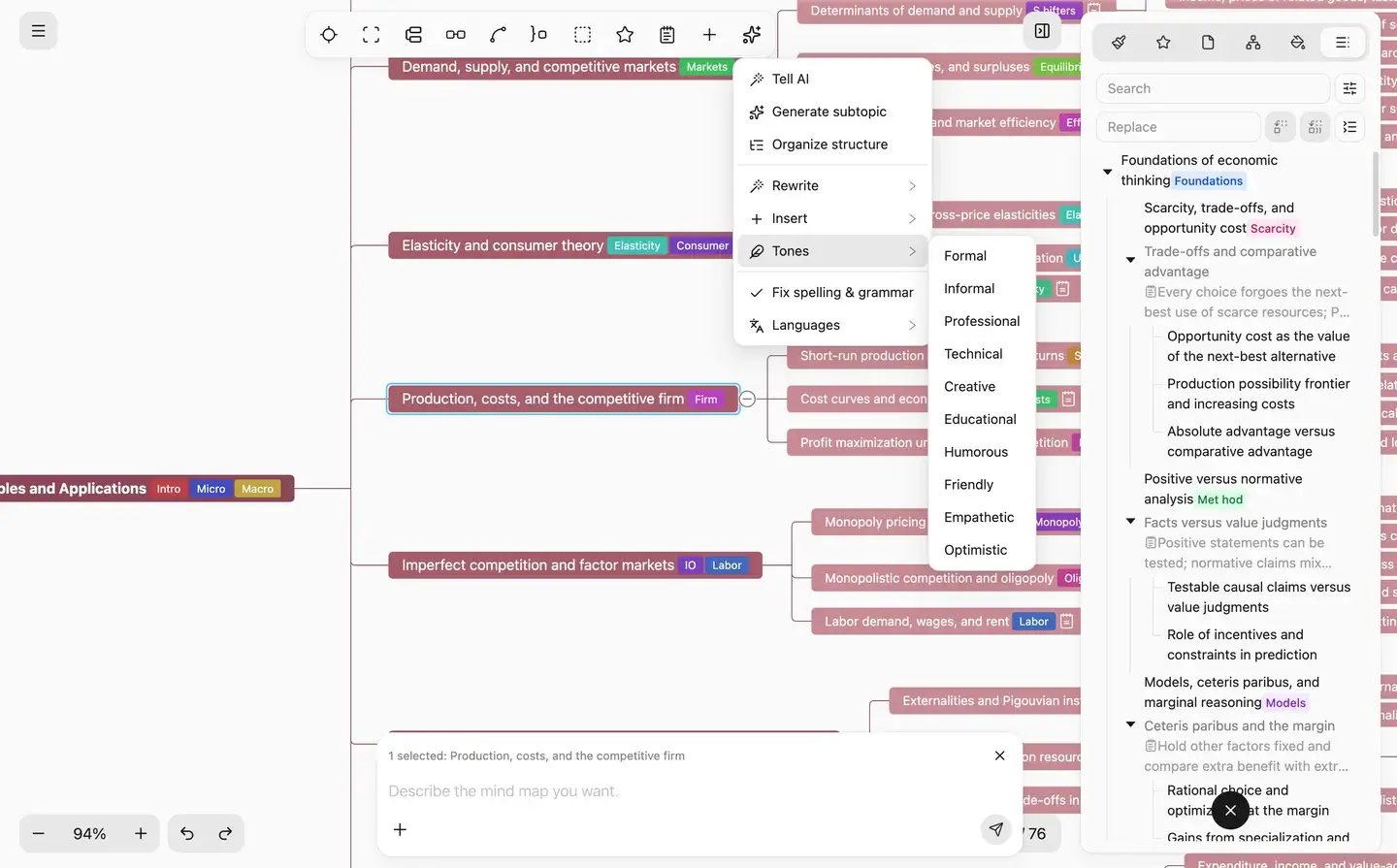
Structure goes on the mind map

Topics, branches, and levels move on the map. You are editing that map.

Get started for free
The whiteboard editor

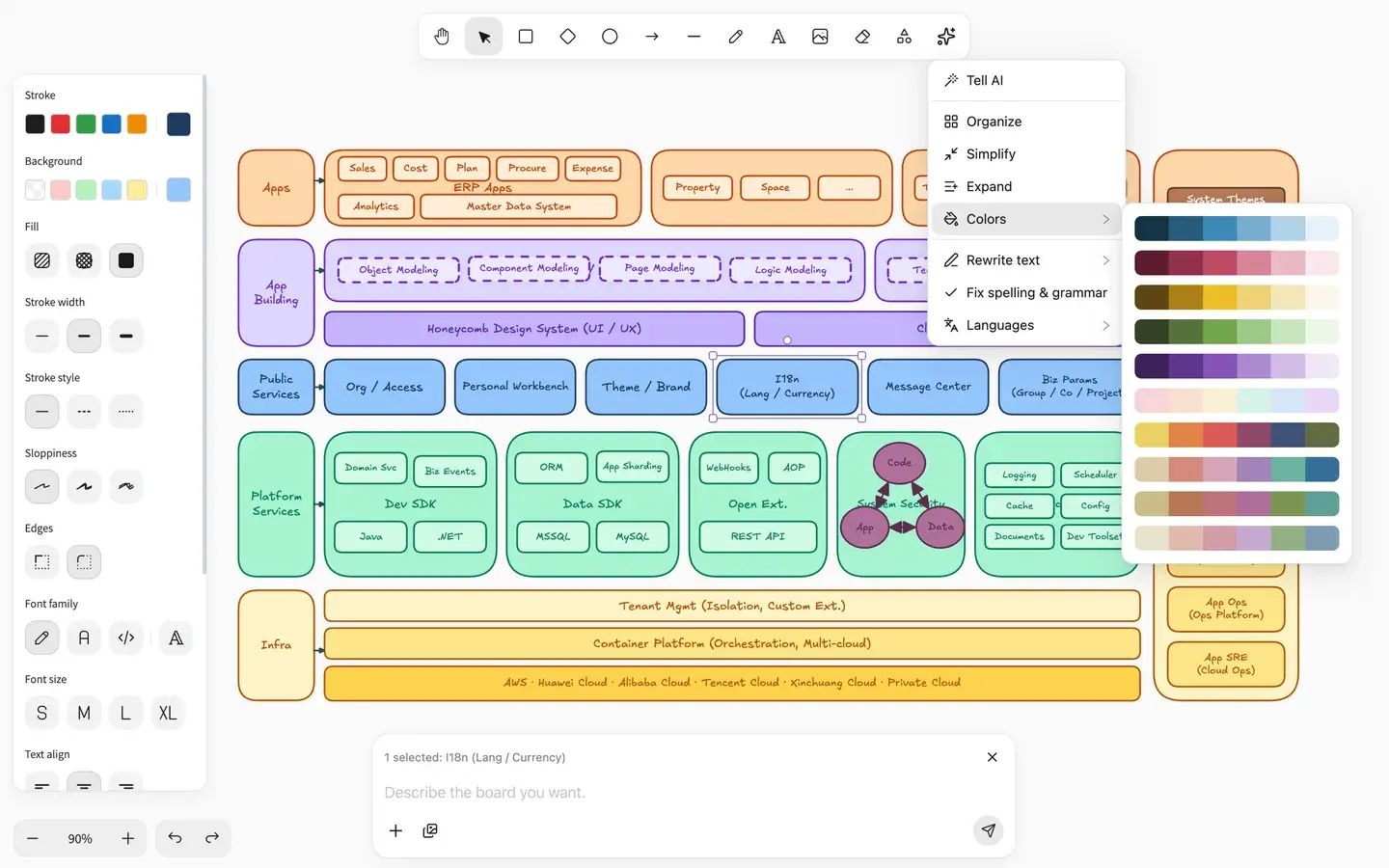
Steps go on the whiteboard

A flow, an architecture, who connects to whom: move the boxes and arrows on the board. Muse usually folds that into slides. Here it stays on the board.

Get started for free
The image editor

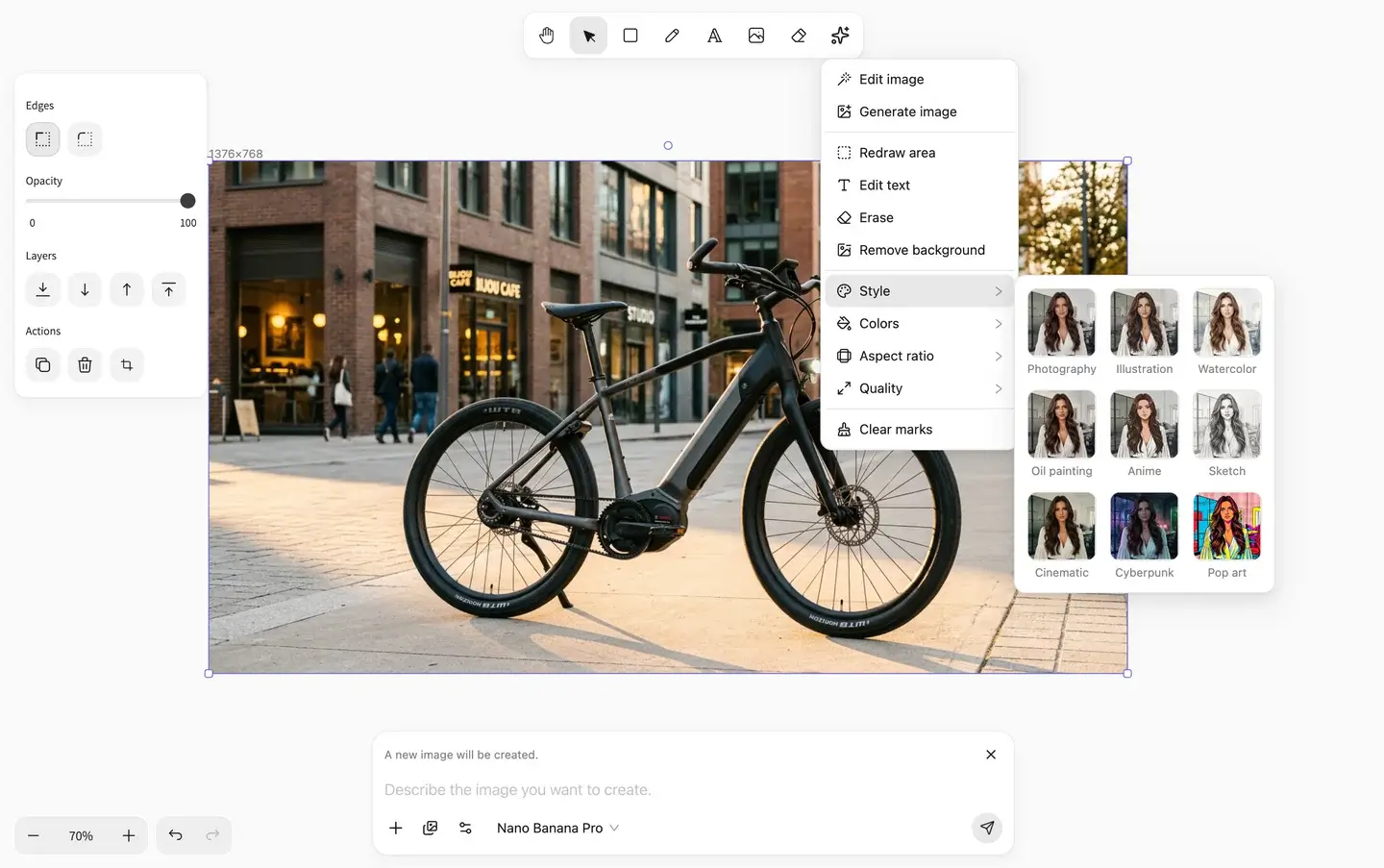
Pictures go to the image and vector editors

Illustrations are edited in the image editor. If it has to stay sharp when enlarged, make it a vector and adjust the shapes and type.

Get started for free

Side by side

FeatureSpanSearchMuse
AfterwardKeep editing in the text, image, vector, map, and whiteboard editors.A report or a slide draft. The next change is another instruction, or an export.
EditorsSeparate editors for text, images, vectors, maps, and whiteboards.You work on the generated draft. This set of editors is not there.
What you getA report you can keep editing, plus a map, a board, or a picture from the same run.A structured report, or a slide draft you can still adjust.
SourcesBuilt-in sources, a group you saved, and sites you connect, including pages behind a login.The public web, files you provide, and connections you authorized.
CitationsThe claim points at the passage and stays beside the sentence in the editor.A report can list references. You still check each line.
Fits whenYou still have to finish the result in an editor.This run should end as a draft.

Which one, when

Use Muse

  • This run only needs a clearly structured report
  • Notes or a report should become a slide draft
  • You would rather say what to change and what to keep
  • Exporting is the end of the job

If the thing you owe someone is a draft, use Muse.

Use SpanSearch

  • You still have to change sentences in the report
  • Pictures, maps, and boards should be edited in the same place
  • The passage has to stay next to the claim
  • Some sources are behind a login
  • The material stays on this computer

If the result still has to be finished in an editor, use SpanSearch.

When the research is done, keep editing

Start with a question. The report stays in the text, image, map, and whiteboard editors.

Get started for free