Cut out the subject

Remove the background, and the person or product stays on a transparent ground, unchanged.
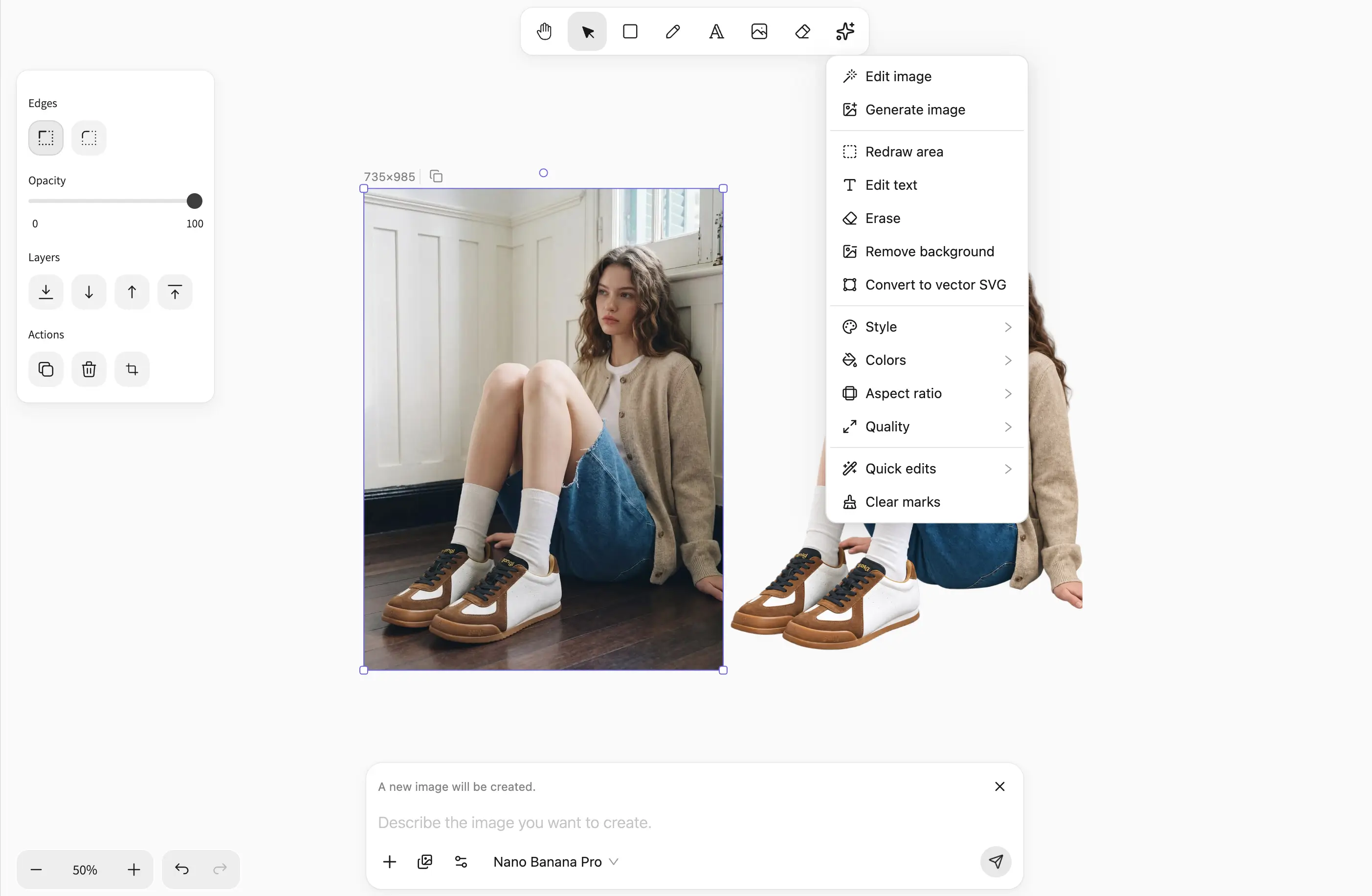
What goes is the ground behind the subject

An image open in the SpanSearch image editor

The subject stays as it is

Pose, color, and outline of the person or product stay. The only change is the ground behind them.

The ground turns transparent

The scene, shadow, and gradient go. The subject is left alone on a transparent ground, ready to place elsewhere.

Keep working on this cutout

Change one part, or the size, on the same picture. Export a PNG with a transparent ground.

Pictures this is for

Portraits, products, and everyday photos can all be handled. The four below are examples.
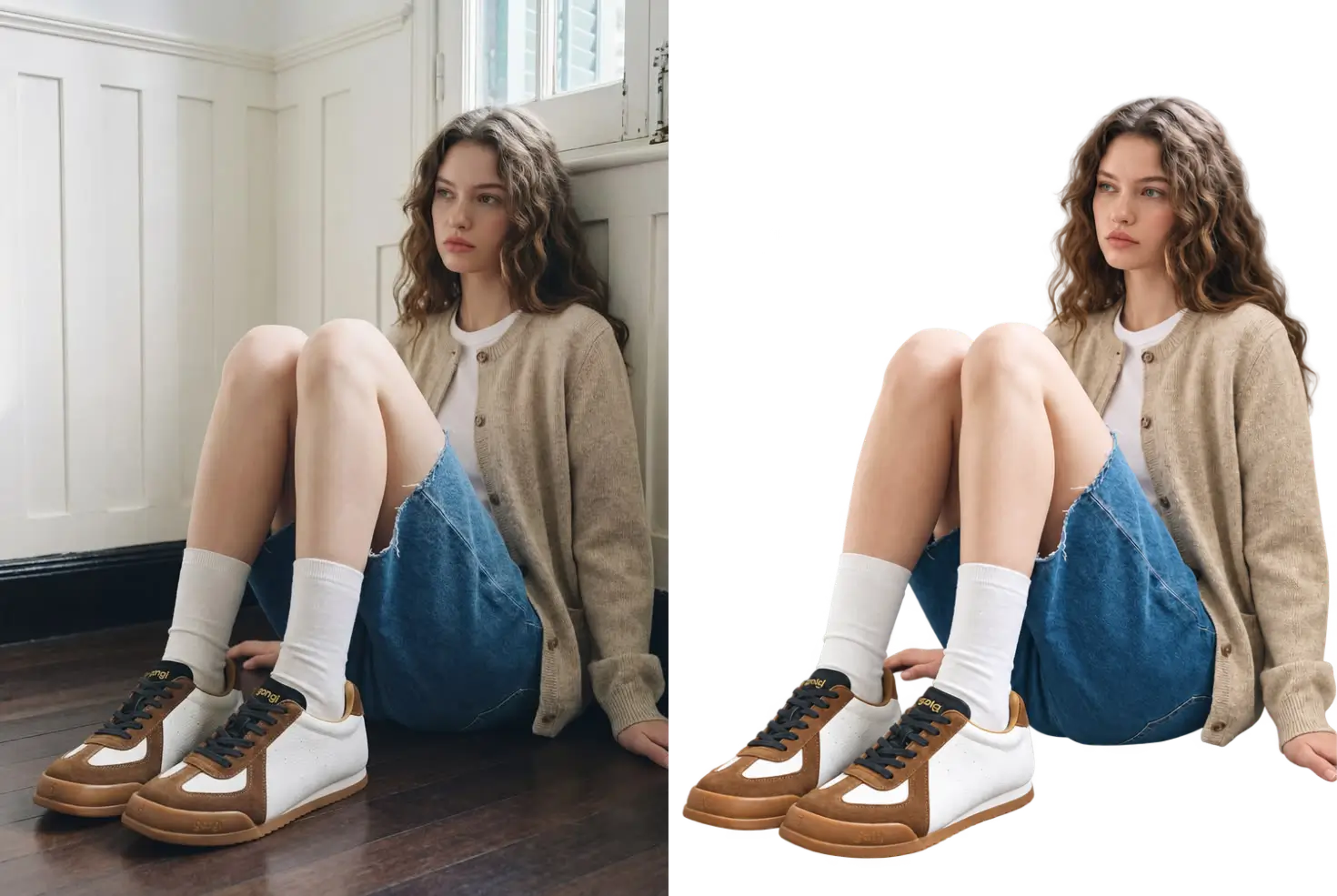
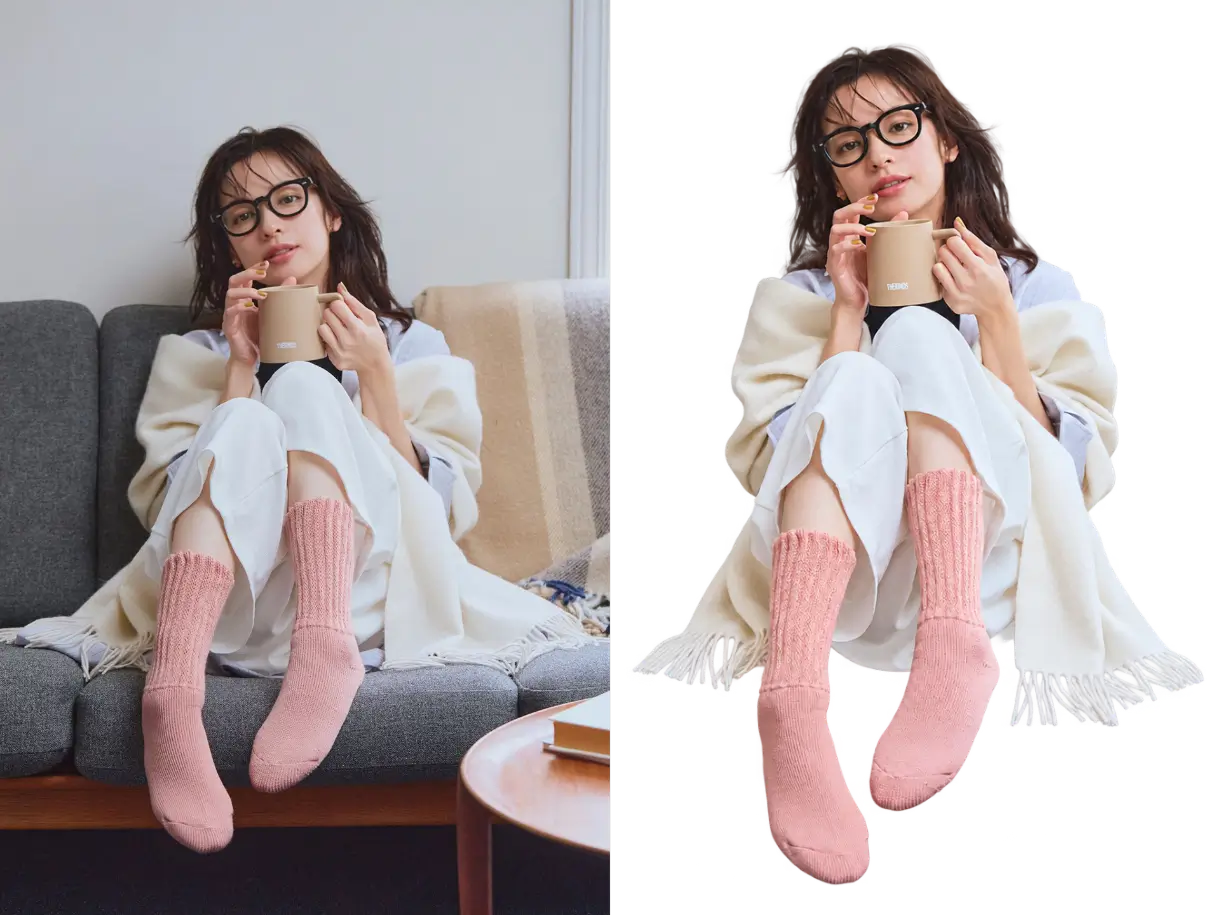
An indoor portrait, background removed

An indoor portrait, background removed

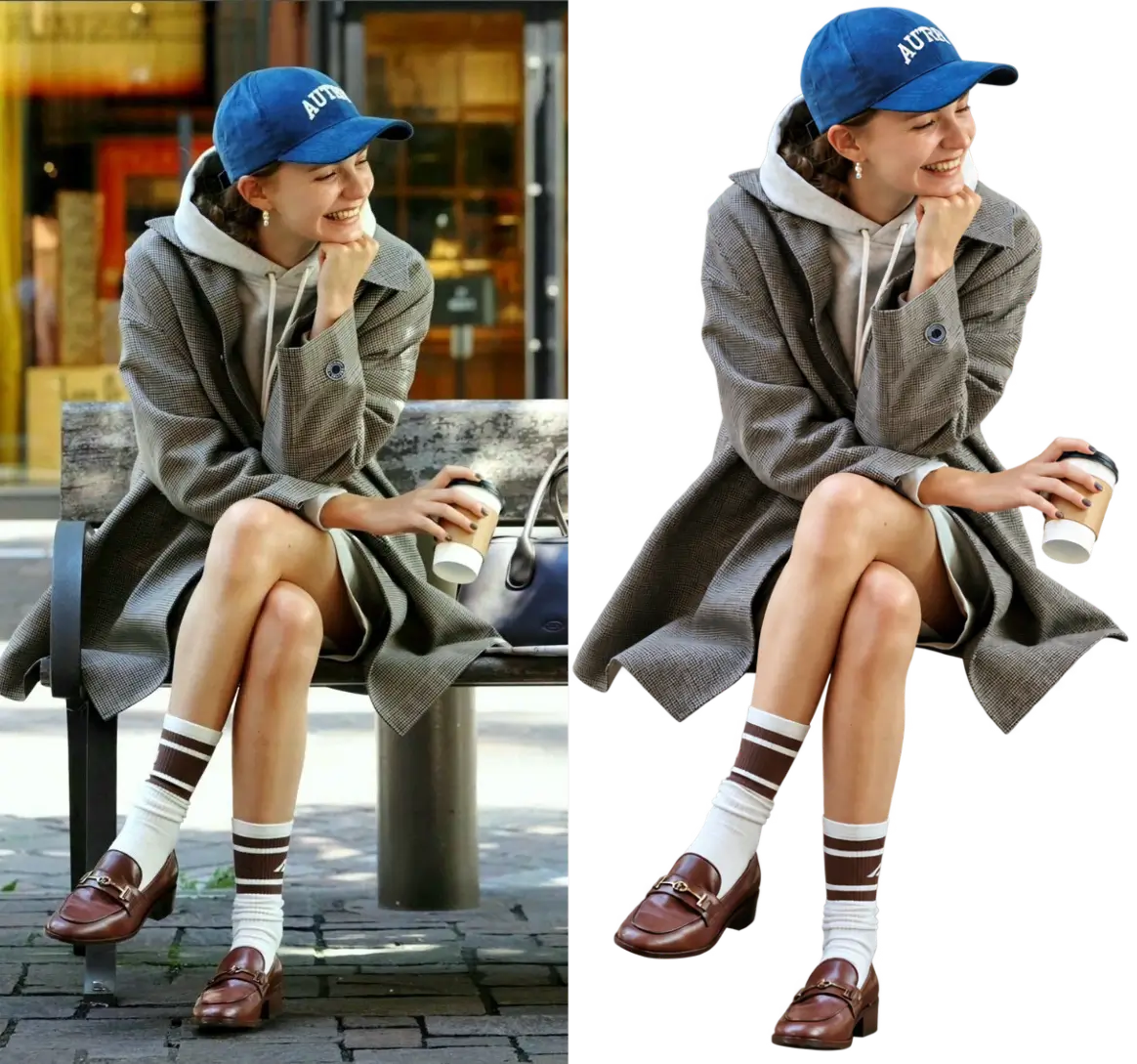
A portrait at home, background removed

A portrait at home, background removed

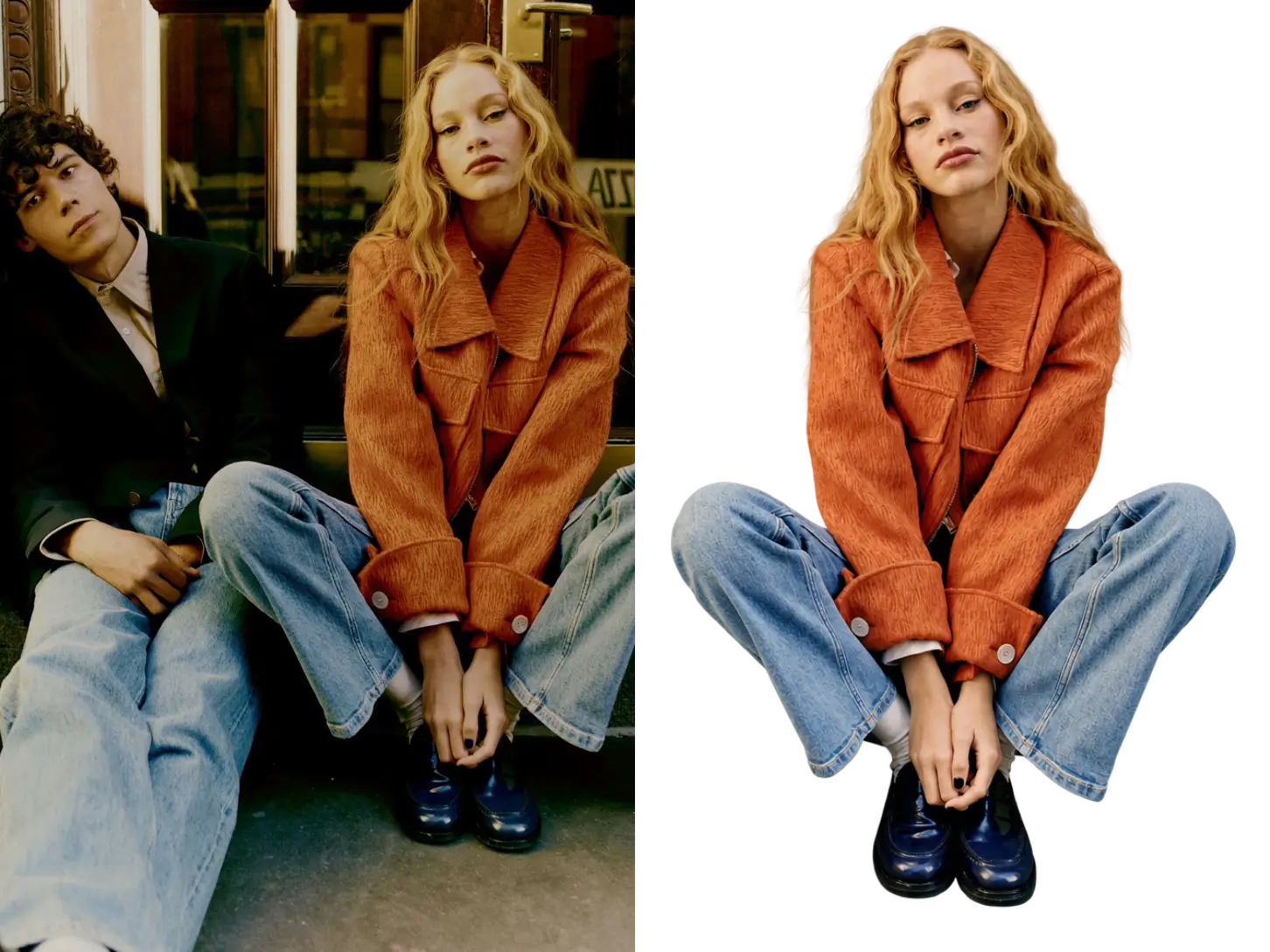
A street portrait, background removed

A street portrait, background removed

Only one person is cut out

Only one person is cut out

How a picture loses its background

Start a file, place the picture, then click once in the AI shortcut menu, or write the change in the input.

Step 1

Start an image

Begin with a new image.

Step 2

Paste the picture to edit

Bring in the picture whose background you want removed.

Step 3

Click Remove background

In the AI shortcut menu, click Remove background. Or select this photo and write in the input how you want to change it.

Questions that come up while cutting out

Does the subject change after the background goes?
No. Pose, color, and outline stay. What goes is the scene, shadow, and gradient behind.
Can I cut out only one person?
Yes. Mark the person to keep, and say to cut out only that one. The other people and the background go.
Where is the image stored?
In the browser on this device. The image data stays on this machine.
Does it use credits?
Yes. Remove background uses GPT Image 2.5, which requires a paid plan, and it uses credits.

Keep the subject. Take off the ground.

Remove the background in the image editor, then keep editing the same picture.

Get started for free