Generate and edit images

Change the text, the subject, and the background on the same picture.

From a description to a picture you can deliver
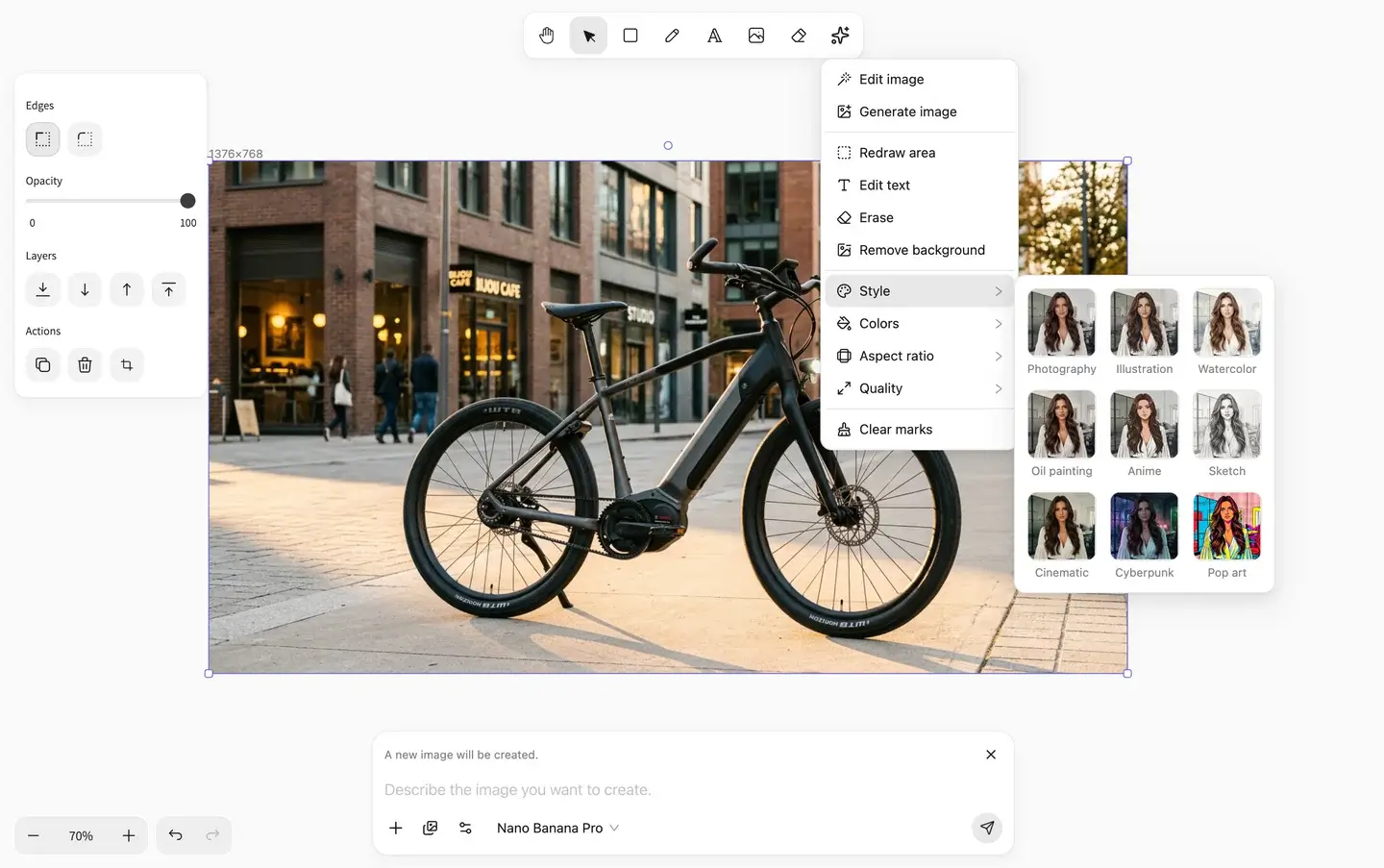
Change the text, the subject, and the background separately

After it generates, stay in the image editor. Change one place in the picture instead of rewriting the whole description.
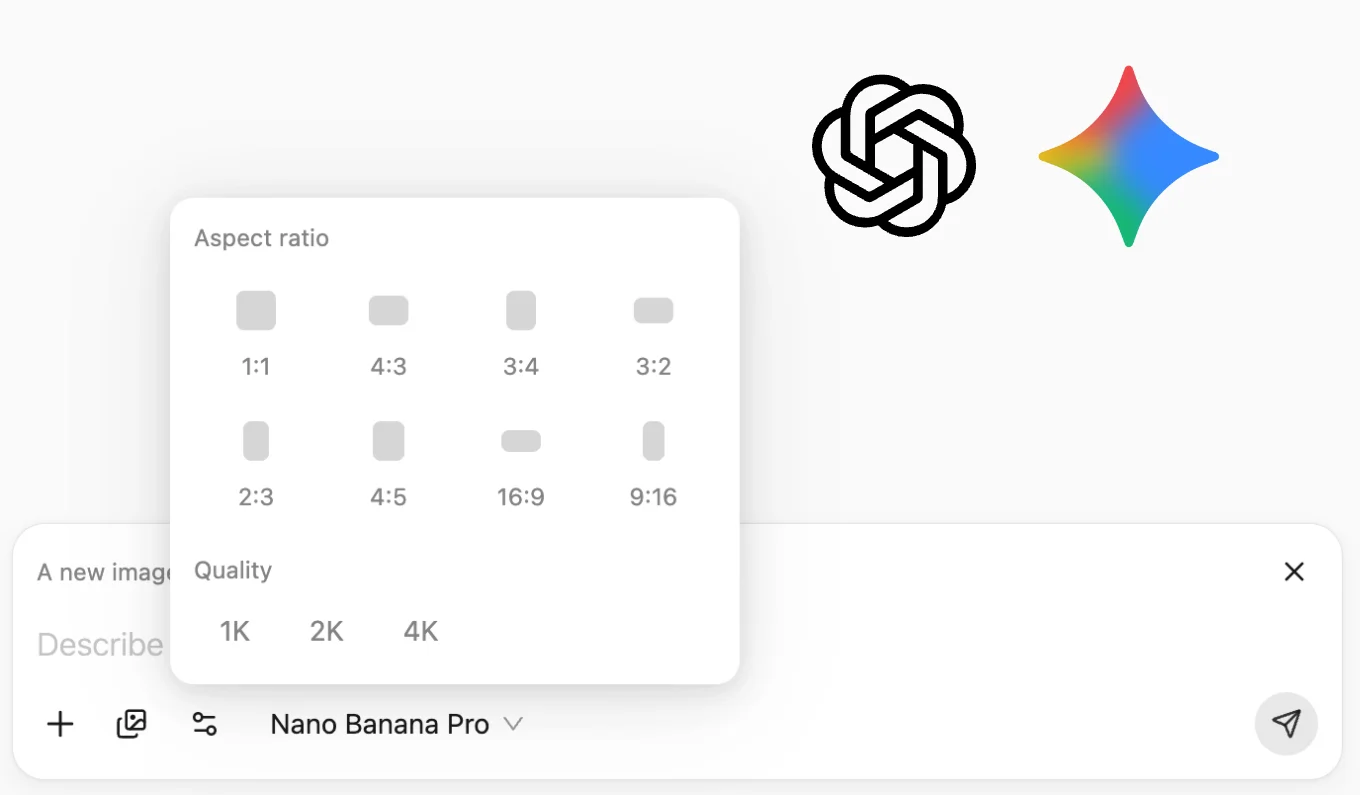
Pick a model for the picture

The default model is Nano Banana Pro. GPT Image 2.5 requires a paid plan. Generating, editing, and 4K all use credits.
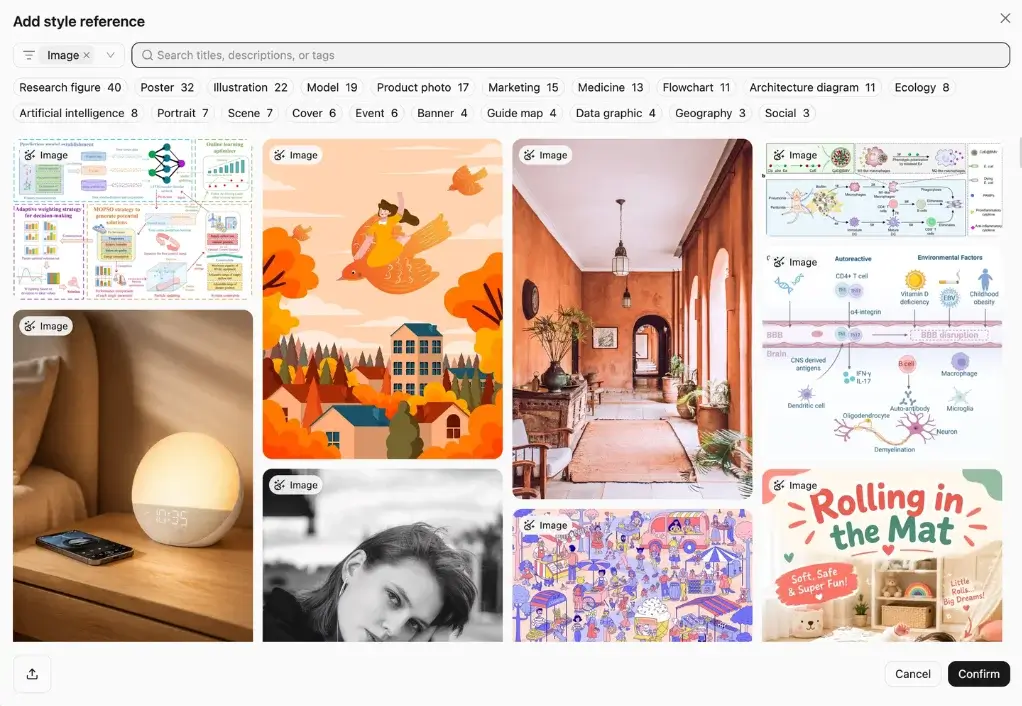
A template sets the composition and the style first

Start from a composition and a way of drawing, or apply a template and then change it. A single description already has a direction.
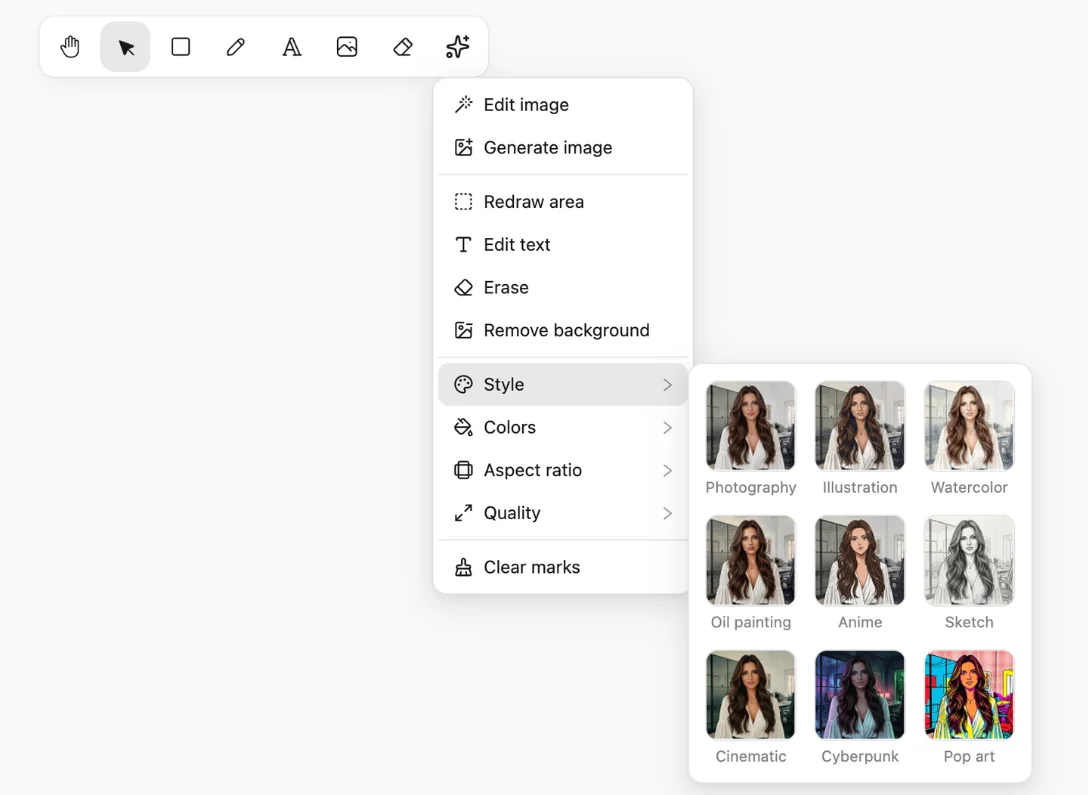
Change the look from the menu

Swap the effect in the menu, or remove a watermark. These edits use credits.

Leave with the first image, or stay and change it

A lot of image tools stop at a finished picture. Here you can change the text, the subject, and the background. Models, templates, and everyday adjustments are in the same place.

Typical AI images
SpanSearch
Editor
Generate it, then switch to another photo editor.
Change the text, the subject, and the background on this image. No full rewrite, and no second photo app.
Models
4K and most features are locked behind a paid plan.
The default is Nano Banana Pro. GPT Image 2.5 requires a paid plan. Generating, editing, and 4K all use credits.
Research
One description and a reference image, and a picture comes out.
Work out the use and the picture first, then generate an image that fits.
Edits
To change one spot, redraw the whole image.
Markup and local edits are in the editor. Only the part you mean to change moves.
Adjustments
A new look means rewriting the whole description.
Change the effect in the menu. The description can stay.
Start creating

Pictures made for a use

Covers, figures, and concept images. After they generate, the text and the subject can still move.
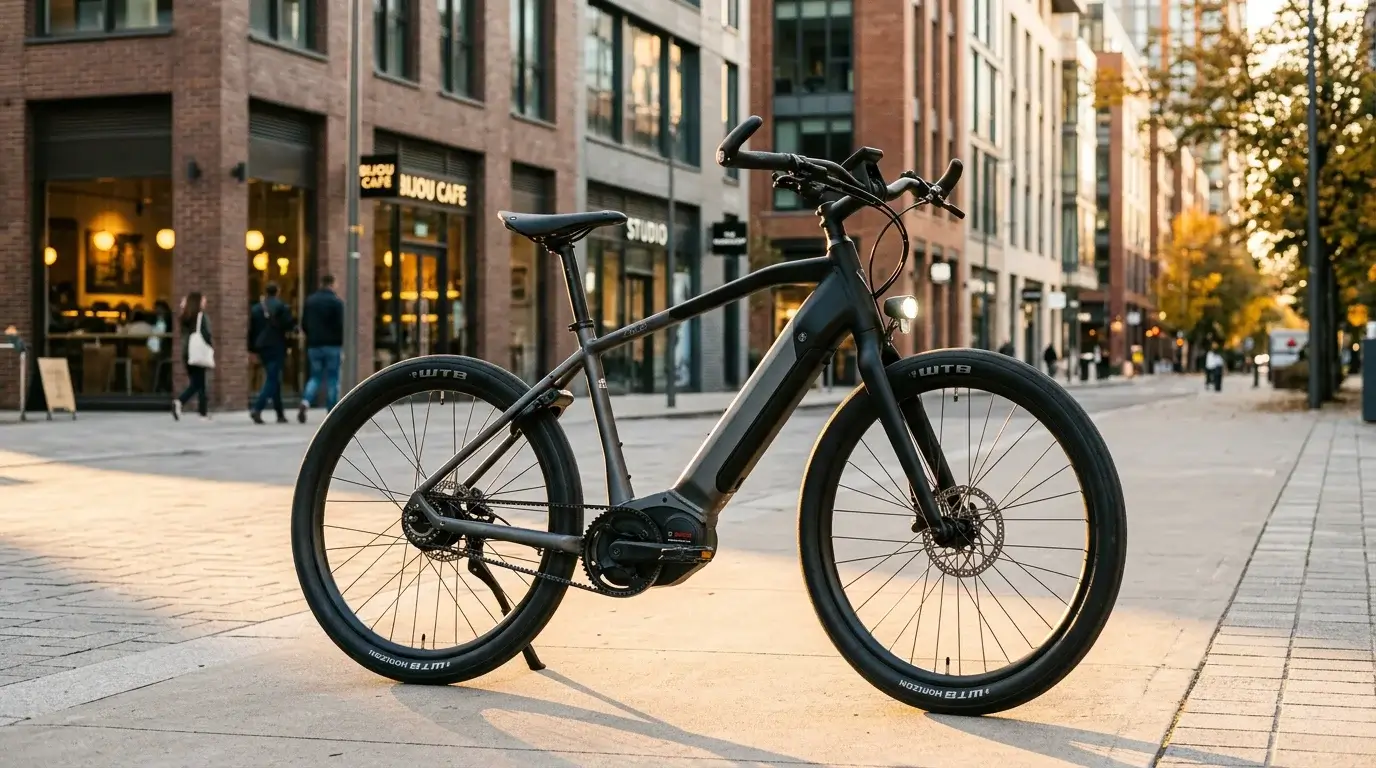
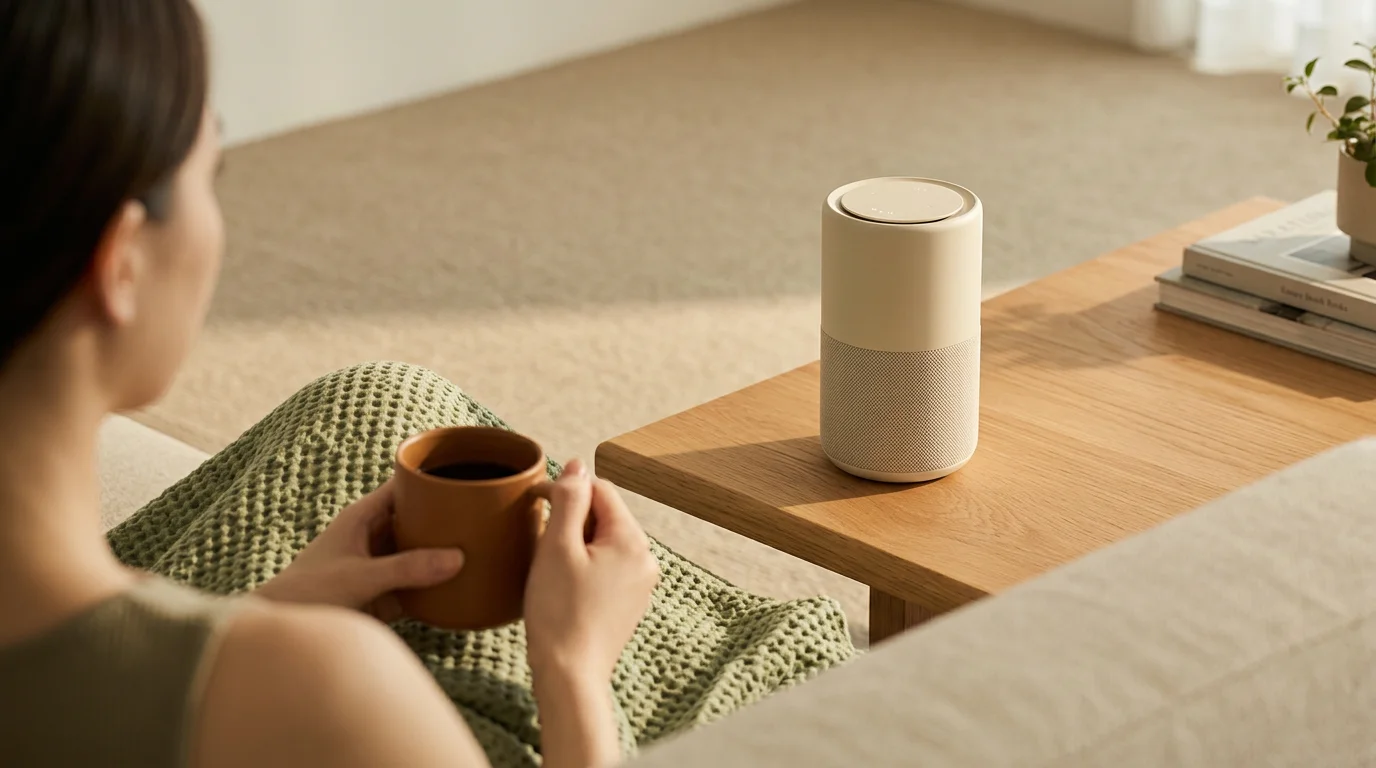
Pictures to generate

Name the picture, and add the subject, the light, and where it goes.

Questions that come up while making an image

What if the picture does not match the description?
Change it on this image. Move the text, the subject, and the background separately, or change only the region you marked, without redrawing the whole picture.
Can I use it for free?
Editing without AI is free. Generating, AI edits, and 4K use credits. GPT Image 2.5 requires a paid plan.
Who manages the image?
You do. The image stays on this device, and you can edit, export, or delete it.
Where is the image stored?
It stays on this device by default. What is sent to the model for that turn is only relayed. The server does not store it and does not use it for training. After sharing is on and you sync, the link shows the synced version.
What is a template for?
Set the composition and the style before you generate, so the picture is less likely to drift. Use it as a reference, or apply it and then change it.
Can I use the image commercially?
The file stays on this device for you to export and use. If it includes someone else's photo, a trademark, or other protected material, confirm that you have the right to use it.

If a part of the picture is wrong, change it here.

Adjust the text, the subject, and the background separately. A new look does not require a new description.

Get started for free